Using AI to help write code has indeed become smoother and smoother.
Give it a rough idea, and it can build the framework and fill in tests in just a few minutes—the page can even run right away. But often, the real trouble only surfaces after the features are written:
The README is often still the default template from when the project was first created; even if the startup command changed, no one updates it. A quick run of git status leaves it piled high with new features, temporary debug files, unfinished code, and test artifacts. If you take the easy way out and just say git add . && git commit -m "fix" the commit history will quickly turn into a mess, making it a pain to trace issues later.
The code runs, but I still have to go back and check the docs, review the Git changes, and come up with a commit message. None of this is hard—it just has to be done every time, and it's easy to keep putting off. I built these two skills to eliminate that repetitive work: since AI helps write the code, let it handle the wrap-up too.
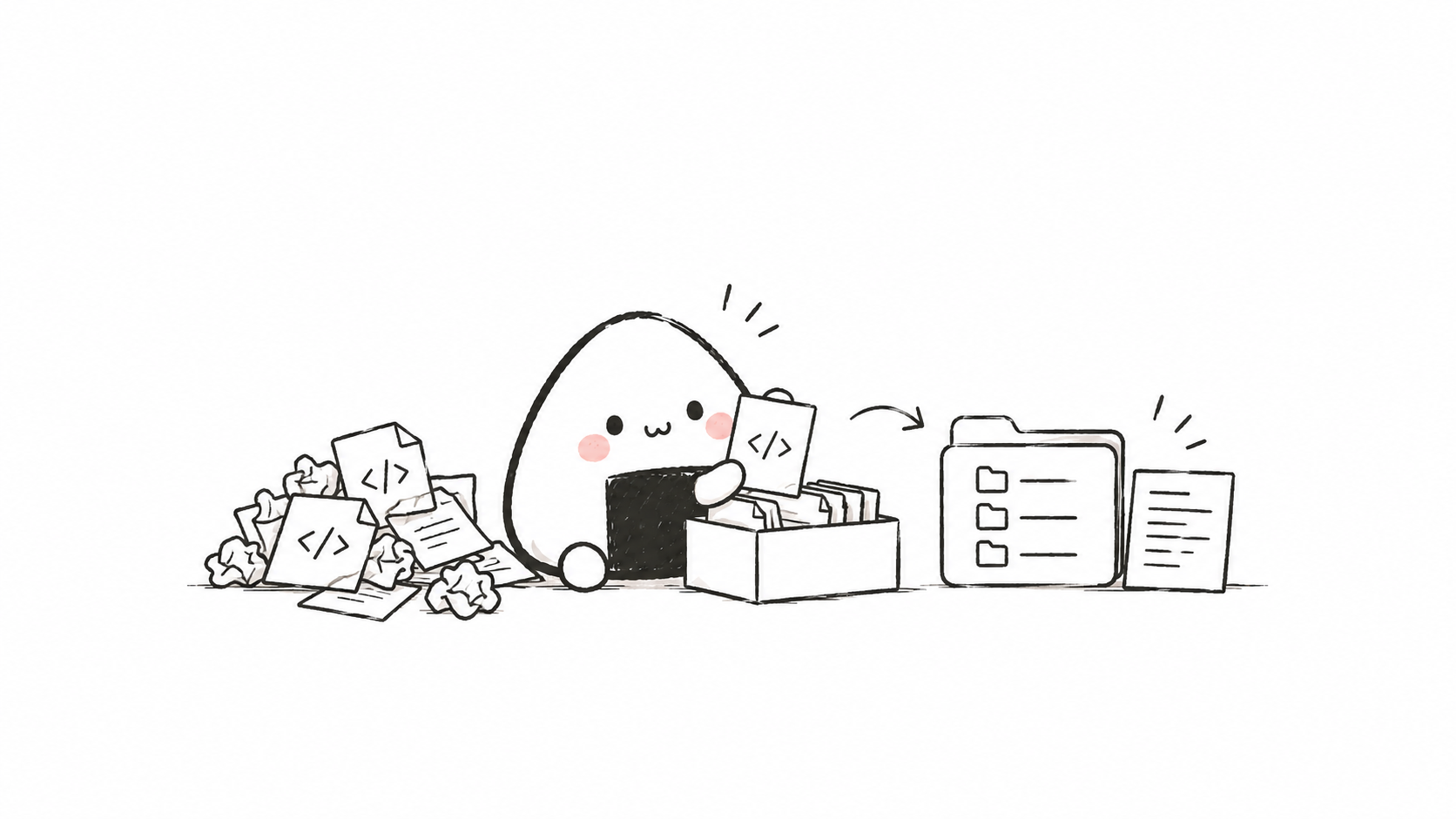
good-readme: when the project changes, check the docs too
Many small projects have a similar README problem: it's written carefully when the repository is first created, but as features get added over time, nobody ever bothers with it again.
New features were added long ago, yet the docs still describe the old version; the startup method changed, but the commands pasted in the docs simply don't run when copied; and if new config options or dependencies were added, others can only dig through the code and guess. Even for a small project you build just for fun, coming back to it two weeks later can leave you confused; and if you share it publicly, people will most likely just close it if it doesn't run after a quick try.
good-readme What it does is straightforward: after the AI finishes modifying the project, don't rush to wrap up—take a look back at the README. Whether the change touched code, config, dependencies, tests, or resource files, it must judge whether the explanations in the docs still match.
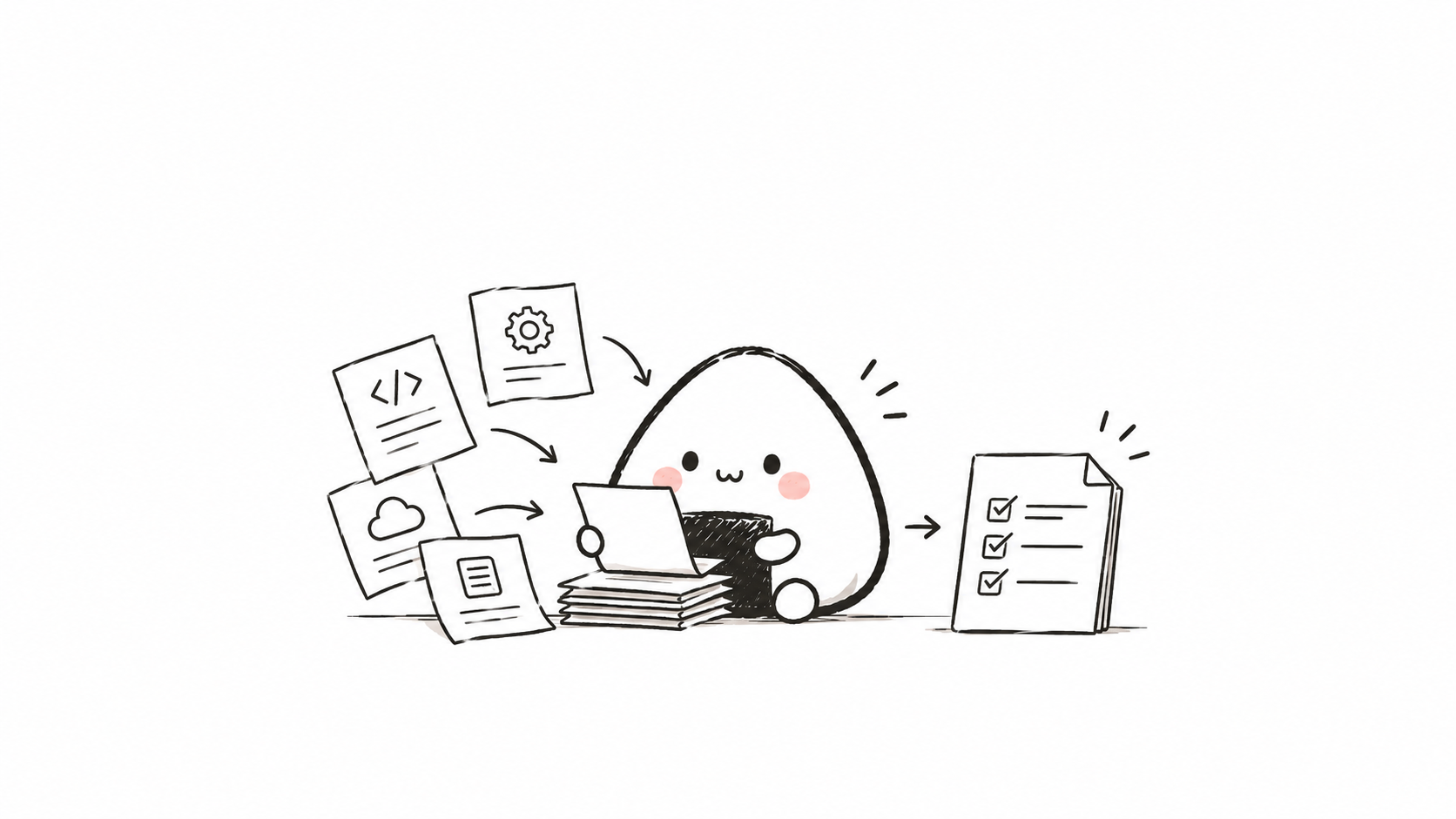
The check usually turns up three situations:
If the repository doesn't have a README yet, put one together based on the project's actual current content;
If features, installation steps, configuration, startup commands, or directory structure changed, update the corresponding descriptions;
If this time it is only an internal formatting change or a refactor that does not affect how it is used, it will clearly state that no documentation changes are needed.
I don't want it to change a few lines of documentation every time just to tick a box. If the startup command is changed, write the new command in; if only internal code is adjusted and usage is unaffected, saying no changes are needed is enough. The features and commands mentioned in the README must be backed up, and it must not make up a roadmap for the project that does not yet exist.
It will also put Chinese and English in the same README.md section, provide a language entry at the top. The commands, links, versions, and feature status on both sides must match, so that readers do not run the Chinese version successfully but then struggle with outdated instructions after switching to the English version.
Gitwork: What exactly should be committed this time
For friends new to Git, the difficulty is often not remembering those few commonly used commands, but rather having trouble figuring out "what exactly should be committed this time."
For example, you ask AI to fix a login issue, but locally there are actually page drafts you haven't finished writing yourself, and when AI runs tests it generates a bunch of temporary cache files. If, to save trouble in the end, you just dump everything in all at once git add ., all these miscellaneous files get mixed into a single commit. Although the commit succeeds, the history becomes messy, and you might even accidentally package local environment variables or sensitive information into it.
So the first requirement I set for Gitwork is to first distinguish which changes belong to this task.
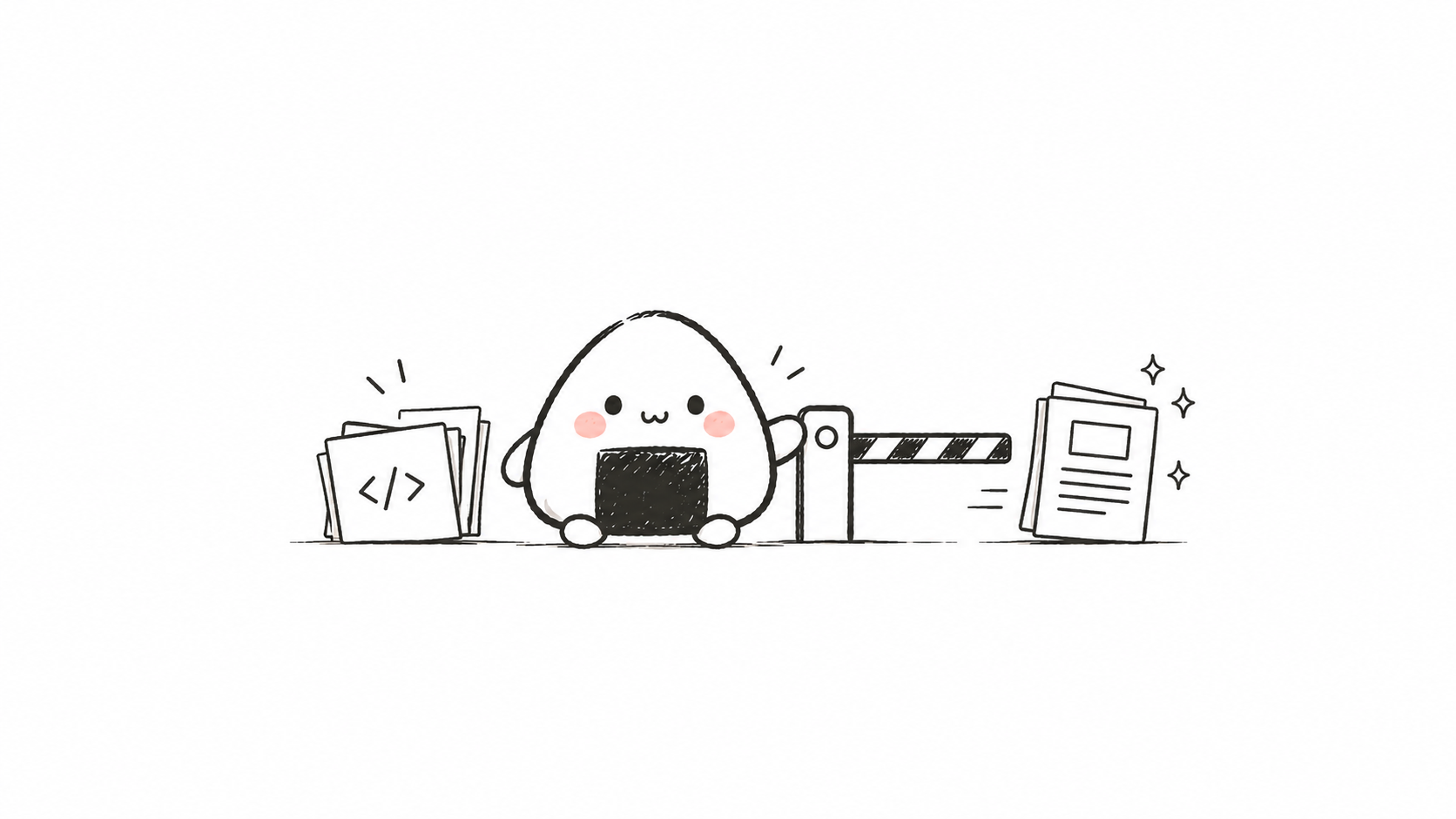
It records the repository state before starting. What you had already staged, what was half-changed but not yet staged, and newly created files not yet tracked by Git must all be preserved. After this task is done and verification passes, compare the before-and-after differences, pick out the files or code snippets modified this time, check the diff, and then commit. The commit message must also be understandable, for example:
feat: 添加批量导出功能
fix: 修复登录状态丢失问题
docs: 更新安装与使用说明
If the project isn't using Git yet, it can initialize the repository after confirming the project scope, and first check .gitignore. Dependencies, caches, build artifacts, environment files, and abnormally large files should not enter version history without being checked.
There are some actions I don't let it do automatically: push to remote, skip Git hooks, modify existing commits. When encountering an unfinished merge or rebase, it also must not force a commit. As for cases where this change is mixed with your previous work and truly cannot be separated, then don't commit for now, and explain the reason clearly.
I hope that when I look back at a commit weeks later, I can still know what was changed at that time. Stuffing unrelated things in to save a few seconds makes finding problems later actually more time-consuming.
What happens when the two are used together
The two skills can be used separately. However, if the documentation is updated but left out of the commit, the finishing step is still incomplete, so I recommend installing them together.
For example, you give AI a requirement like this:
给这个项目增加用户头像上传功能。After the code is written and verified,good-readme will first check whether the new feature changes usage, configuration, dependencies, or directory structure. If the documentation needs updating, it will sync it to the README along the way; if it really doesn't need changes, it will briefly explain why.
Then it's the turn of Gitwork. It compares against the state before the task began, picks out the avatar upload-related code and the just-updated documentation, excludes test artifacts and unrelated changes, and checks the diff before committing.
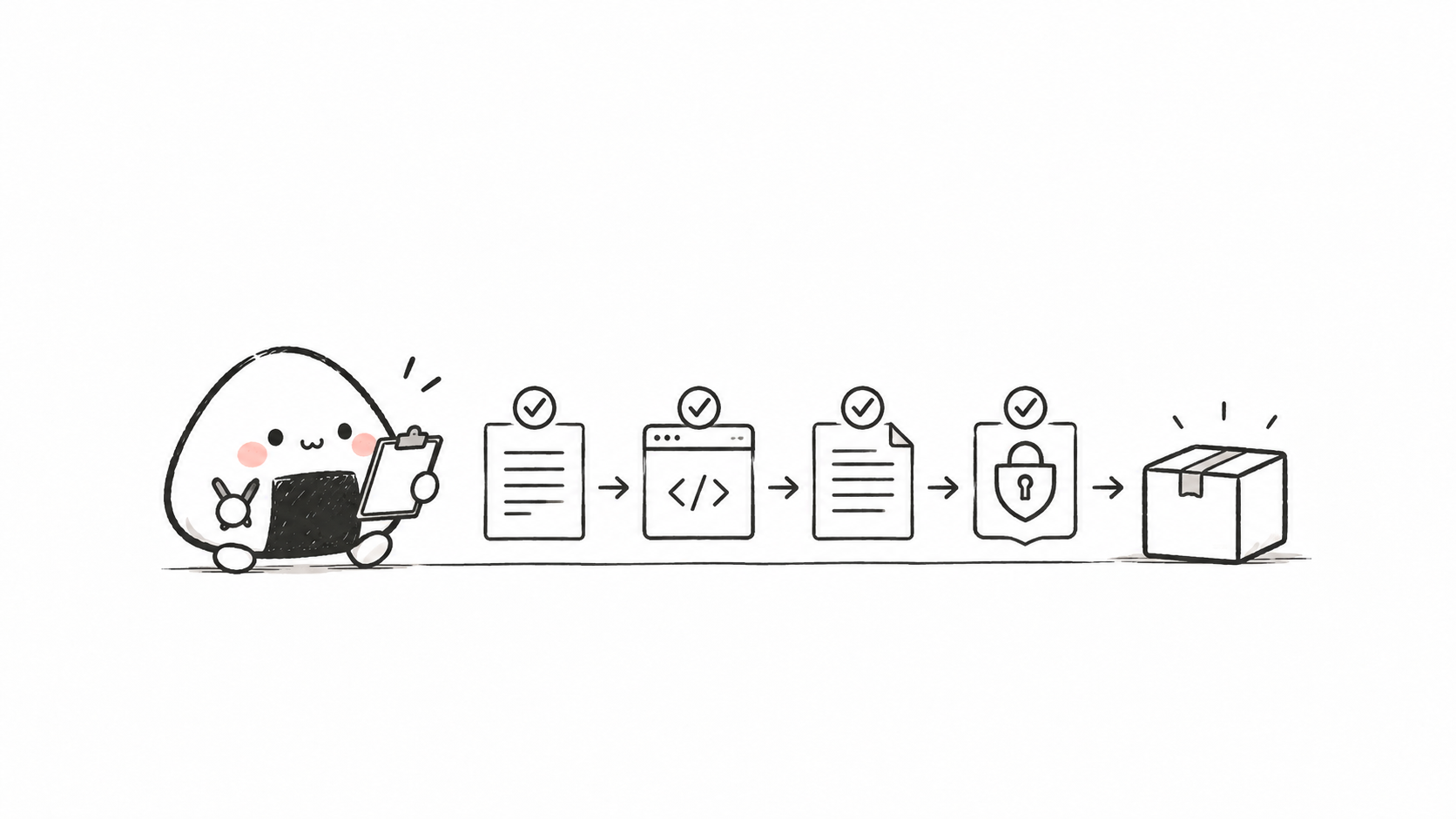
Drawn out in order, it looks like this:
提出需求
  ↓
AI 修改项目并完成验证
  ↓
good-readme 检查文档是否需要同步
  ↓
Gitwork 隔离并提交本次任务变更
  ↓
得到代码、文档和 Git 历史一致的项目状态
This is also why I wrote the two steps as skills. Every time I make a request, I have to add "remember to update the docs and only commit this change," which is easy to forget. By fixing the requirements in place, at least I don't have to explain everything from scratch each time.
How to install
Both repositories document the installation method. If you use Codex, you can send it the following text directly and have it install via skill-installer. After installation, restart Codex and confirm that the new skill has loaded.
Install good-readme:
请使用 skill-installer 从下面的仓库安装 good-readme,
安装完成后检查 SKILL.md、agents、references 和 scripts 是否完整,并提醒我重启 Codex:
https://github.com/Niall-Young/good-readme
Install Gitwork:
请使用 skill-installer 从下面的地址安装 gitwork,并在完成后提醒我重启 Codex:
https://github.com/Niall-Young/Gitwork/tree/main/gitwork
After that, just have Codex write features, fix bugs, or do refactoring as usual. When the trigger conditions are met, it will wrap up according to the skill's requirements without needing to be called out each time. You can also state the requirements more explicitly:
完成后使用 good-readme 检查项目文档,再使用 Gitwork 只提交本次任务的改动。One thing to clarify: a skill is a rule that Codex follows when doing tasks; it is not a program that keeps running in the background once installed. It still needs to be read and executed by the AI, so you can't treat "already installed" as "always done every time."
Once installed, look at one wrap-up result first
When you first start using it, take a look at one complete wrap-up result: what was changed in the README this time, and why; what the commit message says, and what uncommitted content is left. You don't need to memorize all the Git commands to first understand what the AI did.
If it says no documentation update is needed, check whether the reason makes sense. If it didn't commit, also look at the reason first. Especially when the project still contains code you haven't finished writing, being able to keep those changes matters more than getting a "commit successful" reply.
What these 2 skills aim to save me is this bit of repetitive tidying up after finishing a feature each time. If the documentation keeps up and the commits are understandable, then the next time I open the project, there will be a little less guesswork.
91 likes
You can like once today