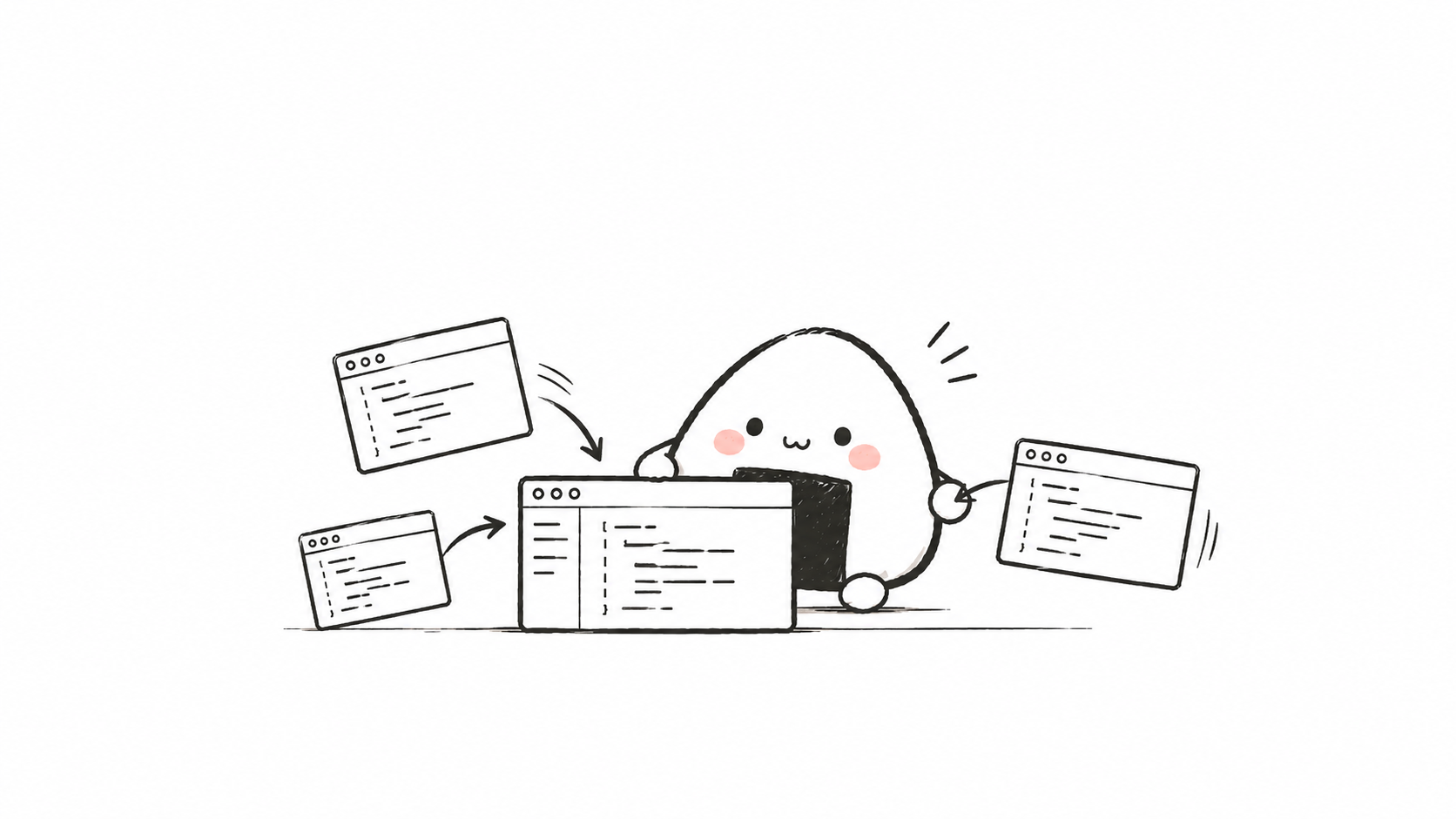
On my screen, three or four AI coding assistants are open at once. The taskbar is crammed with look-alike windows. I click into one for a glance, switch to another to ask a question. The worst part is the same project—in the morning I changed an interface in A, in the afternoon I continued in B, and B had no idea what A had changed; I had to explain the context all over again. The machine was panting, I was running back and forth, yet the project barely moved any faster.
Why Orca Works Well
The Limits of Feishu
This frustration didn't come from nowhere. For a long time, I kept an entire team of agents in Feishu—discussions, alignment, records, all there. Feishu genuinely excels at the collaboration side—I even wrote a whole piece about treating Feishu as my collaboration workbench: "I Turned Feishu Into My AI Collaboration Workbench".
But complex development is a different matter. It's a loop of "read the error, locate the file, change the code, run the tests, look again," one after another, and at every step I need the code and toolchain right in front of me. I don't want to go back to Feishu and open a window for every loop. Feishu taught me one thing: collaboration has its own desk, and programming has its own construction site.
The Friction of Multiple GUIs
So I went back to the engineering environment and opened more than one agent at once: Codex handled one part, Qoder handled another, each with its own client. The new trouble arrived immediately.
First, the computer couldn't keep up. Graphical clients are usually heavy; open two or three and the fan starts protesting on my behalf. And when things pile up, I still have to switch back and forth between windows, and somewhere in the switching, the thread in my head snaps.
What's worse is handing off the same project. A just finished a change, but B doesn't magically know what happened; it has to re-read the code and re-understand the state, and I have to explain it all again. There are clearly more agents now, yet I've become the one whose job is to haul context around.
The Environment I Wanted
Later I realized the problem wasn't a missing smarter agent. What I lacked was a "place": somewhere that could gather many agents together, give each task its own independent territory, and still let me see at any moment where each thread had gotten to.
That's also why I didn't really want to solve everything with one big all-in-one AI client. Feishu already handles collaboration for me; when it comes to programming, I just want a focused tool for assembling coding agents.
Orca's Answer
Then I came across Orca. Orca calls itself an Agent Development Environment, which you can think of as a work environment built specifically for people and coding agents to share. Command-line agents like Claude Code, Codex, and OpenCode can all sit side by side inside it, each using its own subscription and doing its own work.
Once inside Orca, I no longer have to open a separate graphical client for each agent. Projects, issues, PRs, and workspaces all live in the same view, which removes a lot of "where was I just now" pauses. More importantly, it can create an independent git worktree for each task: several agents each build on their own site without stepping on each other's code; when they're done, the changes come back into the same project for review.
And it hasn't cut common capabilities just because it focuses on programming. When I leave my computer, I can use the mobile companion to see how far an agent has gotten; repetitive work can be scheduled as timed automation via prompts; Git status, diff annotations, conflict resolution, and PR review all stay inside the app. It natively integrates with GitHub and Linear, so issues, PRs, and project boards sit right next to the project.
I especially like that it keeps both GUI and CLI. If I want to click directly, I operate in the interface; if I want an agent to do it for me, the public CLI can inspect worktrees, control terminals, and run automation. I can also wrap these commands into my own Skills, letting agents drive Orca in turn. I built this way of working on top of the public interfaces: the GUI lets me see clearly, and the CLI hands repetitive actions to AI.
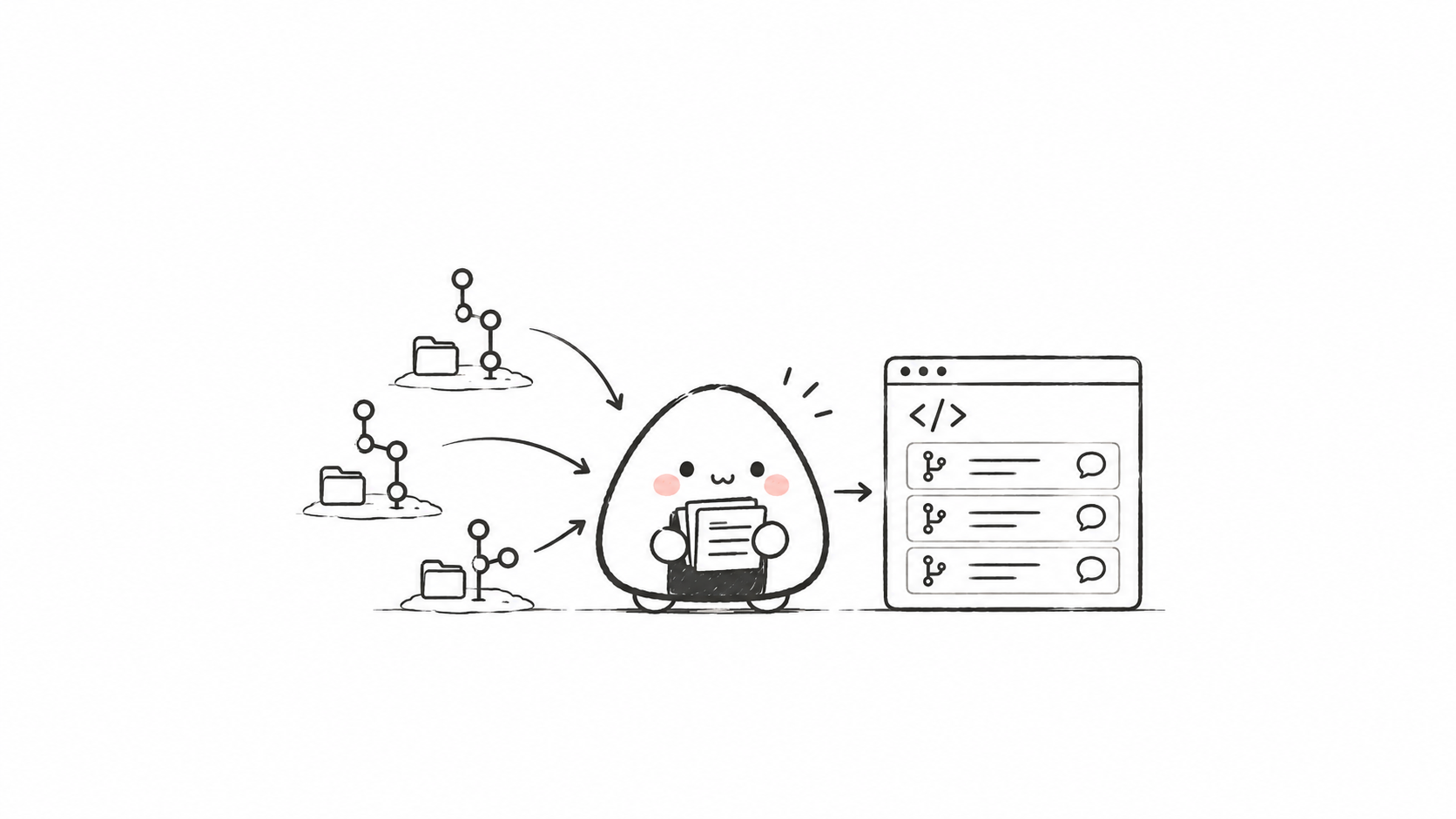
Only at this point does the tool really fall into place. And what matters most to me about Orca slowly becomes clear: it can hold an entire multi-agent development workflow.
How I Use Orca
Think It Through First
My first step isn't to start building, but to think things through first.
I'm following Matt Pocock's development workflow: don't rush to throw requirements at AI—first stress-test a vague idea into a spec an agent can understand, then break it into small pieces that can be completed independently, so each agent works with fresh, clean context. He mentioned the smart zone / dumb zone: the longer and messier the context, the more an agent's performance tends to drop. So tasks need to be split small, and context needs to be fresh.
For this thinking-through step, I hand it to my own SuperBrain. It's an "external brain consultation" Skill. In the first round, several CLI seats write their own answers without consulting each other; in the second round, they read anonymized peer answers and revise their own proposals; finally the main agent integrates the judgment.
The process is a lot like pulling several people to one table but not letting them lead each other along from the start. Many off-the-cuff ideas reveal their flaws after two rounds. Before splitting tasks, I have to argue out exactly what we're doing.
Break Into Issues
Once the idea is clear, I break the conclusion into individual GitHub Issues that can each be completed independently. Each Issue is small enough for one agent to take on alone, yet clear enough that it doesn't have to guess what I actually want. How well the split is done directly determines whether execution later goes off track.
I didn't let this path from conclusion to execution stay a mere idea—I made it an independent open-source project, GitHub Issue Workflow. v0.1.0 has been released, and I've been using it myself all along.
It's made up of several Skills that can be combined, and together they form a complete pipeline: first organize the repository context and what I really want to do into an executable Issue; then place the Issue in an isolated worktree for controlled fixes; Autopilot automatically finds pending Issues that match local rules and carry the agent-ready label, opening a visible independent site for each task inside Orca; finally there's one responsible for upgrading the whole set of tools locally. I use them as links in the same pipeline, and I don't really bother memorizing their English names.
Isolated Execution
Once the Issues exist, it's time to build.
Orca's worktree isolation is already usable on its own: each task runs in its own worktree, agents can work in parallel, and they don't directly step on each other's code. The line "one Issue maps to one worktree, then handed to one agent" I've already implemented in GitHub Issue Workflow as a single-machine Orca automation: Autopilot finds qualifying Issues, opens a visible independent site for each inside Orca, with at most three running in parallel.
By default, changes aren't pushed to the remote on their own, PRs aren't created automatically, and nothing is published—everything waits for my review. Only after I accept does the change merge locally, and that Issue gets closed along the way. Once tasks are split small and placed into isolated sites, the context each agent sees becomes much shorter: it only sees its own segment, which is enough and not messy.
Aggregate and Accept
After the parallel runs finish, the results need to be brought back in front of me.
In Orca, I can look directly at each worktree's changes, read diffs, annotate, resolve conflicts, review and approve PRs. GitHub changes are right in the app, so I don't have to jump elsewhere to find them. Which agent's solution is more suitable, whether to merge, which part needs rework—these judgments are still mine to make.
I don't want to automate judgment as well. Orca lays out the sites and lines up the threads; I make the final call. That way I can go in parallel without turning the project into a car with no one holding the wheel.
From Shared Skills to a Shared Brain
After running a few rounds, I've become more and more concerned with one thing: after this run, what exactly is left for the next one?
Now my Skills can already be shared between Feishu and Orca. The same set of methods works at the collaboration desk and also on the programming site. At least agents don't have to relearn how I do things every time they move to a new place.
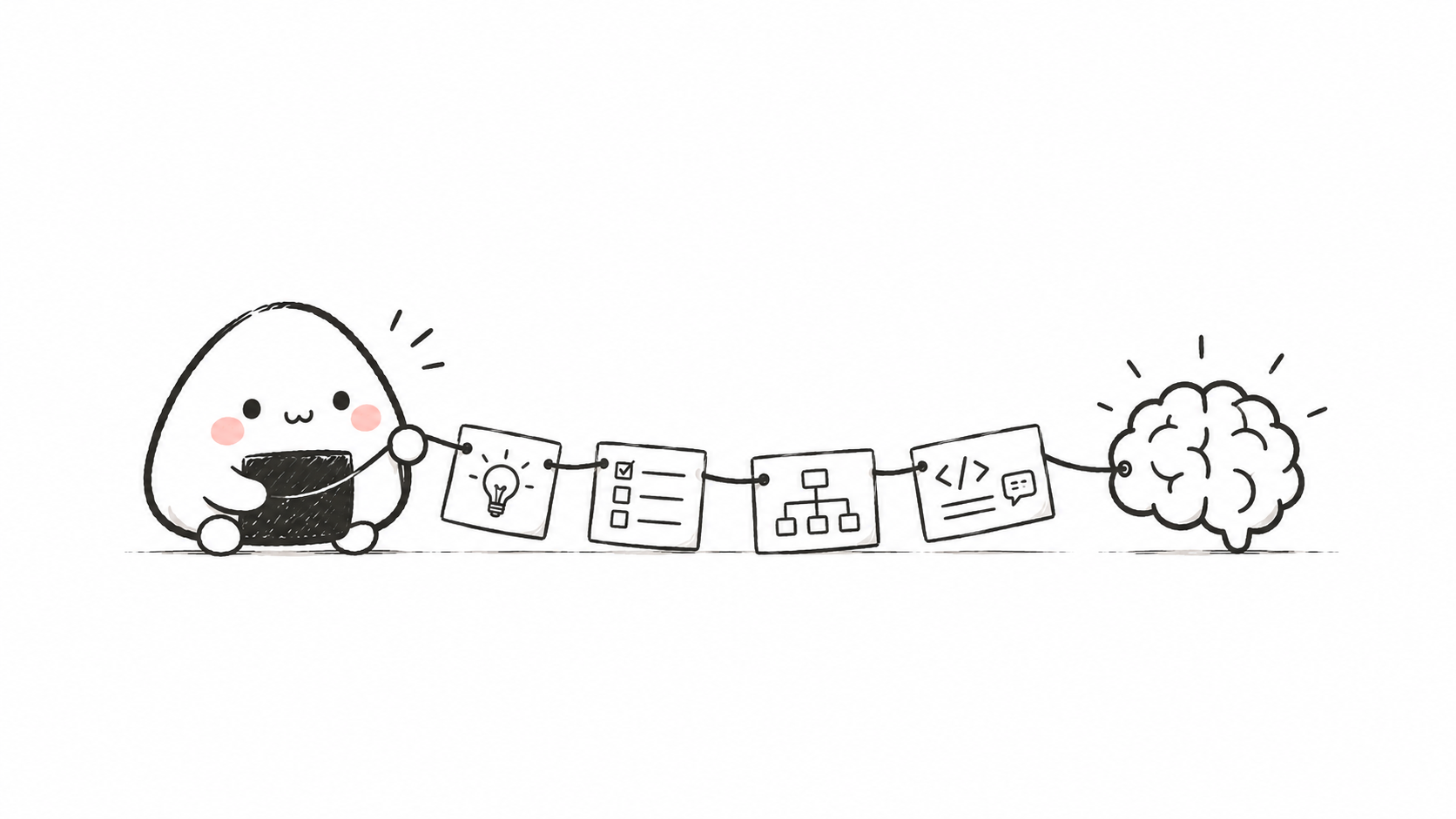
Next, I want to go a little further: let multiple agents share knowledge and experience, crossing the boundary between Feishu and Orca to form a "shared brain." This is still a vision right now—neither the protocol nor the system exists yet. In the Feishu article I wrote a line: use knowledge bases more, accumulate more. Now that Orca has picked up the execution end, I want to connect the other end.
Back to that computer with its fan whirring. Doing the same work now, I no longer have to be a porter between windows: agents work at one workbench, and consultations, Issues, changes, and experience all leave traces along a single line.
Orca is the execution end of that line. As for the shared brain, I'm still building it forward.
References
50 likes
You can like once today