Back then I thought it was unnecessary
At first I used almost only Codex, this one AI assistant. Installing a Skill was simple: put it where it belongs, install it and it works, and if it feels handy, keep it. At that time, all my belongings could be counted on one hand, and I really never worried about "management."
So when I saw someone share a practice—putting the original Skill files together into one repository, then having each assistant reference it via symbolic links (in plain terms, shortcuts)—my first reaction was: is this necessary?
There was only one tool, and building a dedicated repository for it plus a bunch of links sounded like pure self-inflicted trouble. At the time I was quite certain: when there's only one assistant, copy-paste is the most effortless answer, and making simple things complicated is just looking for trouble. With that mindset, everything went smoothly—until the number of assistants started to change.
The day the problems multiplied
The turning point came after the number of AI assistants at my fingertips grew. First Orca, then the various AI assistants in Feishu, and after that, many assistants moved into my computer at the same time, each handling its own area, not communicating with one another.
The same Skill had to be installed separately on every assistant; when a third party released a new version, I had to update each one. What was even more annoying was updates: today assistant A caught up with the new version, tomorrow assistant B popped up, and for one new change to a Skill I had to repeat the same operation in several places, and after finishing I still had to check one by one that I hadn't missed anyone. By the time I installed yet another assistant and had to reconfigure my commonly used Skills, only one sentence was left in my mind: this is killing me.
Trouble is never complicated; it is just repetitive. Doing the same thing over and over, each time it isn't hard, but the sheer number of times wears you down. And this kind of thing doesn't decrease with familiarity—every additional assistant means the same steps must be redone. The repetition grows with the number of assistants, piling up more and more.
One original, many entry points
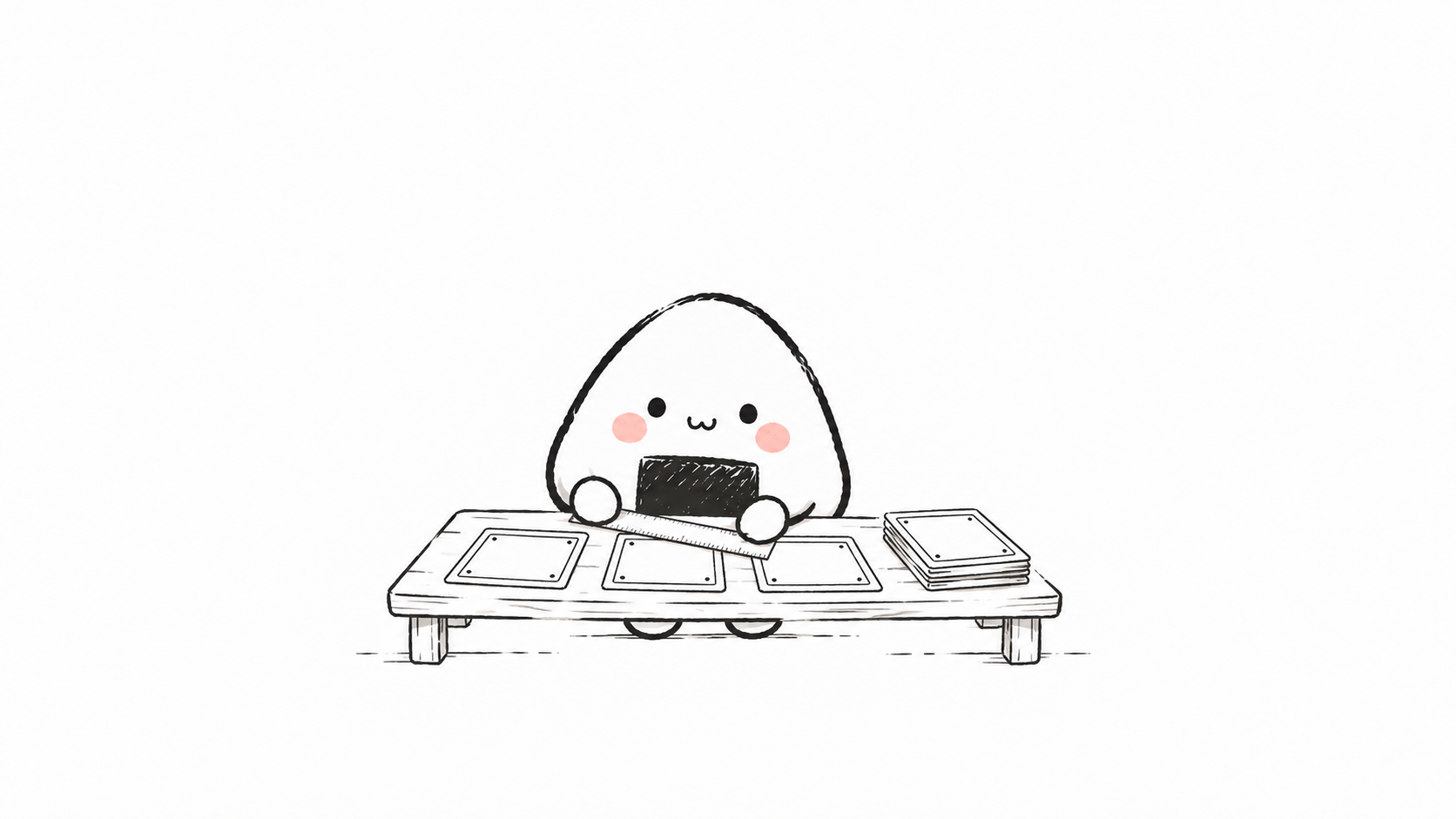
At this point, I remembered a practice shared by Baoyu, roughly: keep the original Skill files in one place, then use symbolic links to let different entry points reference it together. Here's the link:Baoyu's post.
Symbolic links sound intimidating, but they're just shortcuts. The original is stored only once, placed in one central repository; what sits in each assistant's Skill directory is just a shortcut pointing back to the original. Change the original in one place, and all entry points take effect together; if you delete the shortcut someday, the original remains intact.
Following this idea, I built a project called SkillManager. It does one thing: it gathers my own Skills that can be used across assistants into the central repository, then generates shortcuts pointing back to the originals as each assistant needs them. It also records every shortcut—which one leads to which original, given to which assistant—so it's clear at a glance when checked later.
One set of originals, many entry points. That idea I had once dismissed, when picked up again, actually worked right away. Looking back later, the most valuable part of this approach is that it separates two things that originally conflicted—"one Skill" and "multiple assistants": the original remains one copy, yet the entry point reaches every assistant.
Shortcuts alone aren't enough
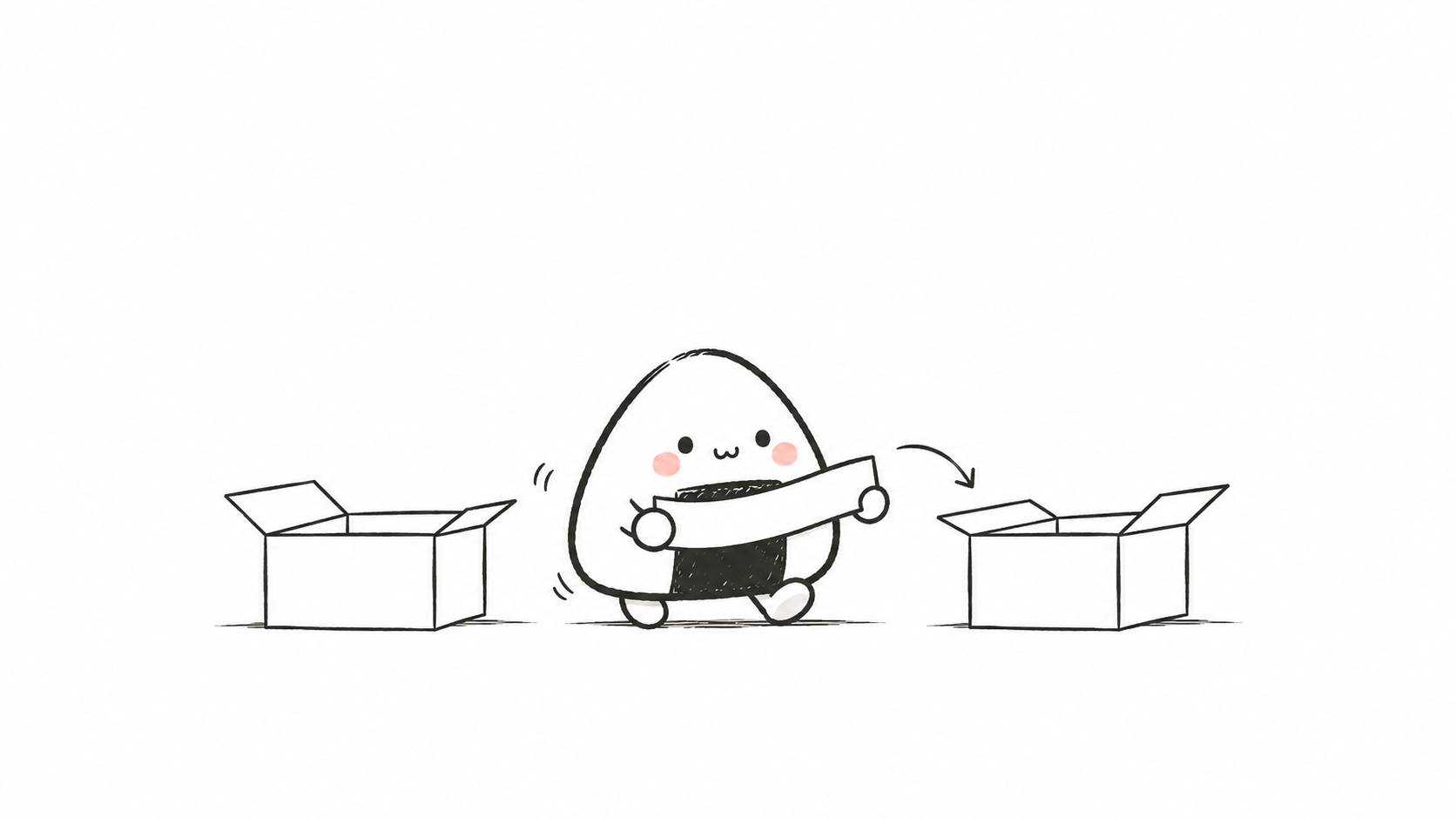
Once there were many shortcuts, new trouble emerged: which Skills can enter the central repository? Which shortcut should be given to which assistant? There are always things that can't all be linked at once. These problems can't be solved by copy-paste, because they already belong to the category of "management."
SkillManager's approach is to give each Skill a manifest specifying which assistants it can be used with. It's like giving different craftsmen different toolboxes: the carpenter gets the carpenter's, the electrician gets the electrician's, and you don't stuff the whole set into everyone's hands. Even if you use a lazy "wildcard" notation, it only takes effect for those on the list with suitable capabilities; other assistants still can't see it.
There's also another kind of Skill whose owner isn't me at all. Project-bundled ones and system ones each have their own ownership. SkillManager by default only looks at them without touching them, like checking whose name is on things before moving house: those with a project or system name, take a look and put them down, never moving them. These Skills aren't on my manifest, and touching them is like touching someone else's belongings—if something goes wrong, I can't bear the consequences.
Shortcuts solve "repetition"; at this point, what I have to face is actually "rules": what can enter and what cannot, who gets it and who doesn't—there has to be a clear answer.
Give the manifest first, leave a way back
What really put me at ease was the way SkillManager does things.
Before acting, it first lists a plan, writing clearly what it will do and where it will touch. Only after I've reviewed it and found no problems does it act. When it encounters directories that already have real content, shortcuts of unknown origin, or an entire directory connected as one alias, it stops first and presents them to me as conflicts, waiting for me to decide, never presuming to overwrite.
Even for "whether to take in a Skill," it asks me first by default, not deciding for me. Every step also leaves a way back: if problems arise, there's a path to retreat, and once everything is confirmed, there are steps to clean up backups. All I need to do is look at the plan and say "yes" or "no" one by one.
The more things there are, the more I fear a tool acting on its own. I'd rather it be slower, with every step approved by me, than have it take a wrong step someday and stir the Skill directory I've accumulated for so long into a mess. This caution is exactly why I'm willing to use it long-term and dare to hand it over with confidence.
Remembers updates, and lets go of backups
For updates, I first thought of relying on memory, then found it unreliable. Once Skill versions pile up, which ones have been updated and which are still on old versions—relying on your brain alone, sooner or later it gets messy. It's more solid to hand it to a process.
When a third-party Skill comes in, SkillManager first records its version at that time, like writing down an entry in a ledger that can be checked at any time later. To switch to a new version, I must first explicitly nod before it moves forward; after moving forward, it also checks back whether the registered content is still there. Without this procedure, if a third party quietly changes something someday, I wouldn't notice at all.
The originals are now all gathered in the central repository, and I've also connected the entire repository to GitHub, adding a cloud backup, with version history always checkable.
I also set up a daily check process for the repository: regularly check whether third-party Skills have updates, and update the ledger if there are changes; once it finds that a registered Skill is missing something, it stops and reports an error, never writing bad results into the repository. This process has just been set up and still needs to run remotely for a while to prove itself, but I'm already very certain of the direction—daily operation should rely on mechanisms, not on my remembering someday.
What can be taken away or inspired
Back to the beginning. The person who thought it was unnecessary wasn't wrong—when there's only one tool, copying is the best answer. The person hasn't changed; it's that the number of things has grown.
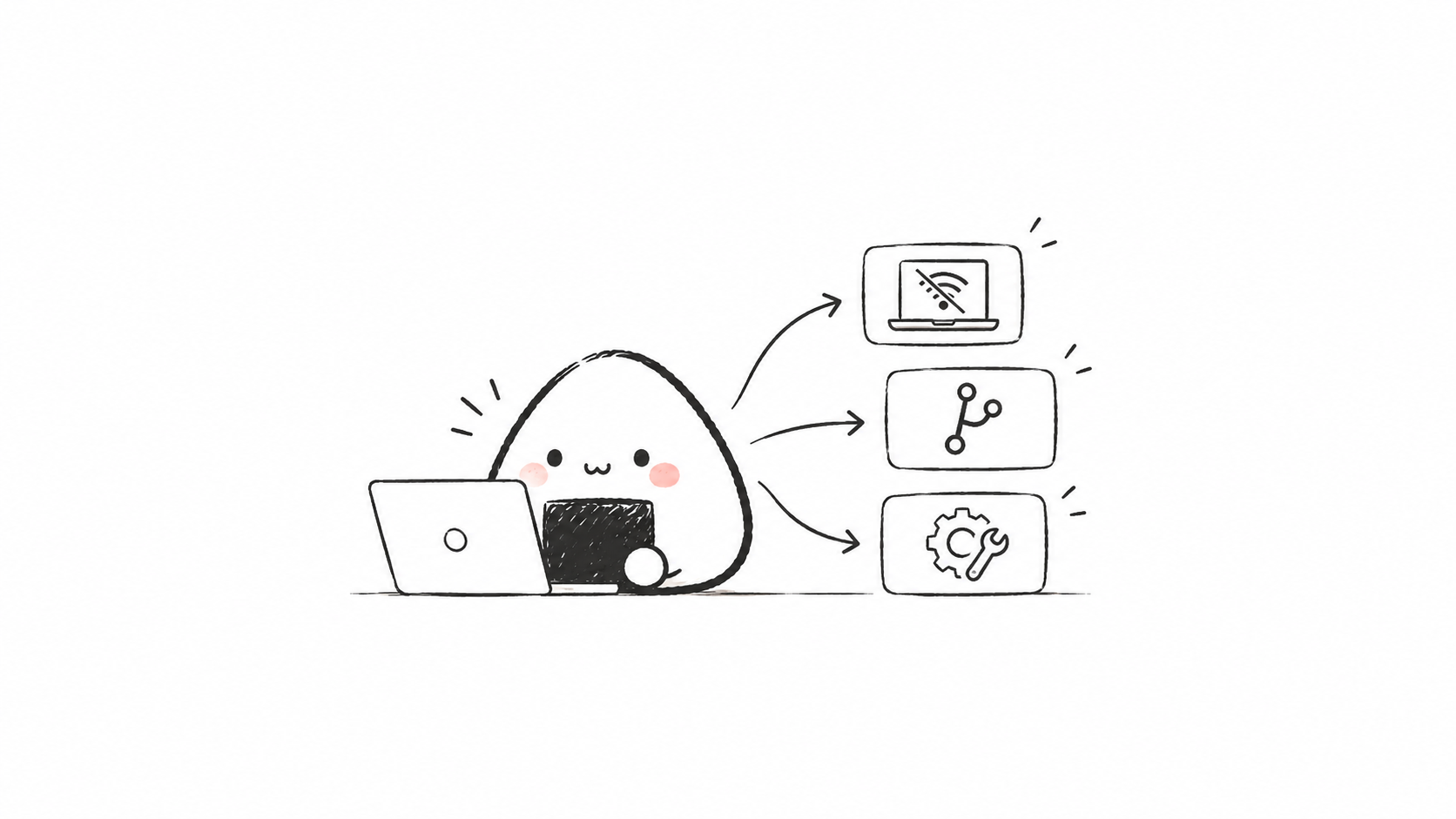
So I want to translate this experience into a few things you can do without writing code: keep originals in only one place, don't let files, templates, and assets scatter everywhere; each time you copy or install something, leave a record along the way, even if it's just writing a line like "today I installed what for X"; when the things at hand grow, ask first "where is the original" rather than "how many more copies do I need."
You don't have to build a SkillManager. The idea is the same: manage your things so that changing one place takes effect everywhere, and every step is visible, retained, and reversible. Someday when your assistants grow in number, this sentence will probably be more useful than any tool.
34 likes
You can like once today