Before we officially start using Codex, let's first address the three most basic questions:what it is, whether it suits you, and how to get it.
This article won't cover complex usage—it does just one thing: take you from "having heard of Codex" to "having Codex installed and ready to use."
What is Codex
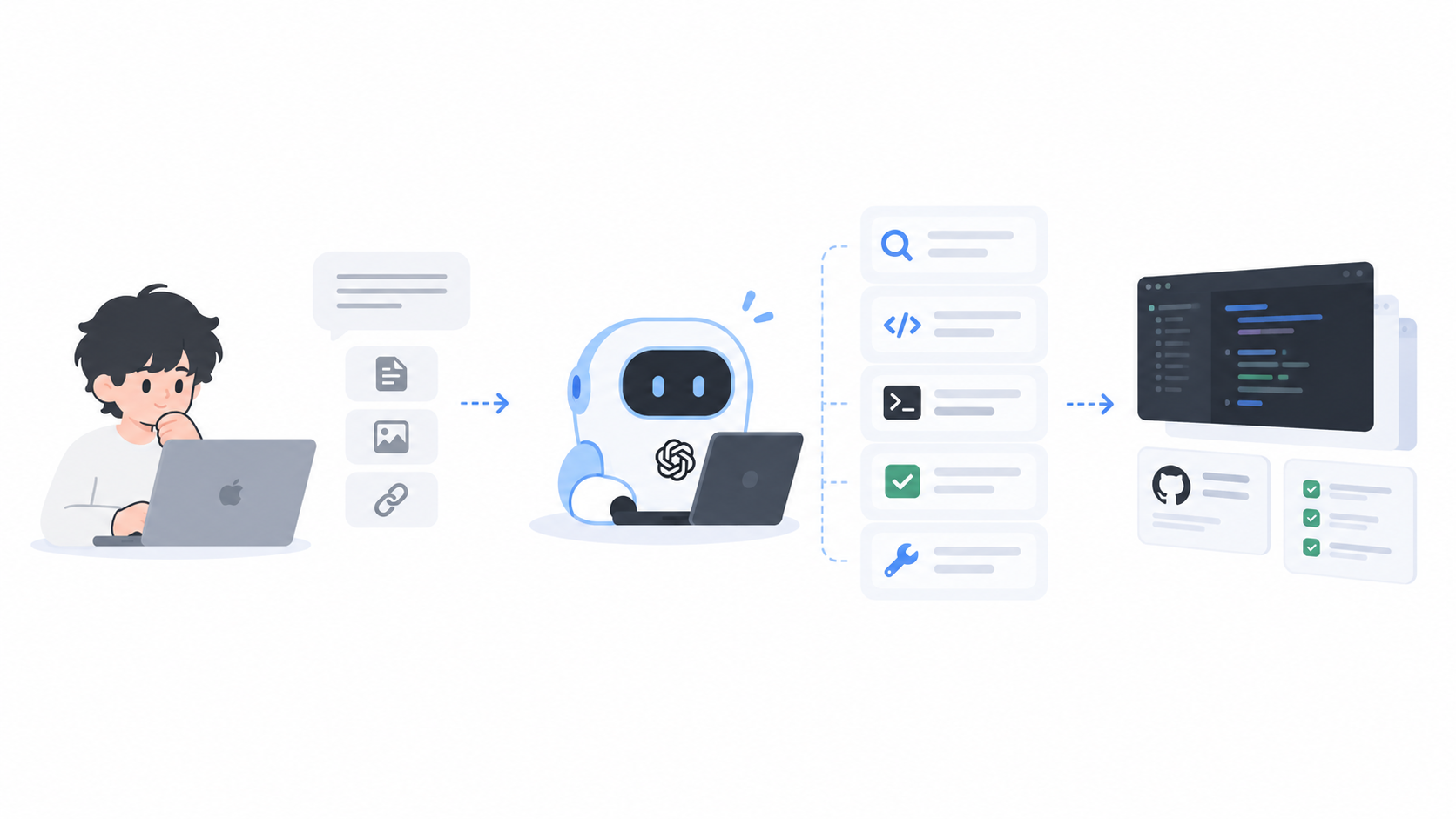
Codex is an AI programming Agent tool. Its core capability isn't "writing code for you," but helping you complete a full chain of development actions. You can think of it as a development assistant that can execute tasks; in plain terms, it's more like "an AI development colleague that can operate a code repository" rather than a mere code generator.
For designers and product managers, its significance lies in this: tasks like "building a small feature prototype" that originally required relying on developers can now be driven and completed by yourself directly.
Prerequisites
Before installing Codex, there are several necessary prerequisites to confirm. Some of them are to help you use Codex better,and some are essential requirements for using Codex.
A computer that can access the internet via circumvention
This isa necessary condition for using Codex in China, and it also needs to support enabling TUN mode or enhanced mode; otherwise, you'll find Codex stuck in a reconnect state.
An OpenAI account
Codex is an OpenAI product, and accounts are linked with ChatGPT and share subscriptions. Therefore, using Codex requires an OpenAI account (https://openai.com/zh-Hans-CN/). If you don't have one, please register first.
A GitHub repository
This isn't required, but if you want to use Codex to start your programming journey, then please go to GitHub (https://github.com/) and create an account.
Git installed
You need to have Git installed. If you're a Mac user, you can install it directly with Homebrew:
brew install gitWindows users need to go to Git's official website to download and install it. Link: https://git-scm.com/
After installation, you also need to log in with your email (preferably the same as your GitHub email) and password, and then you're all set.
Obtaining Codex
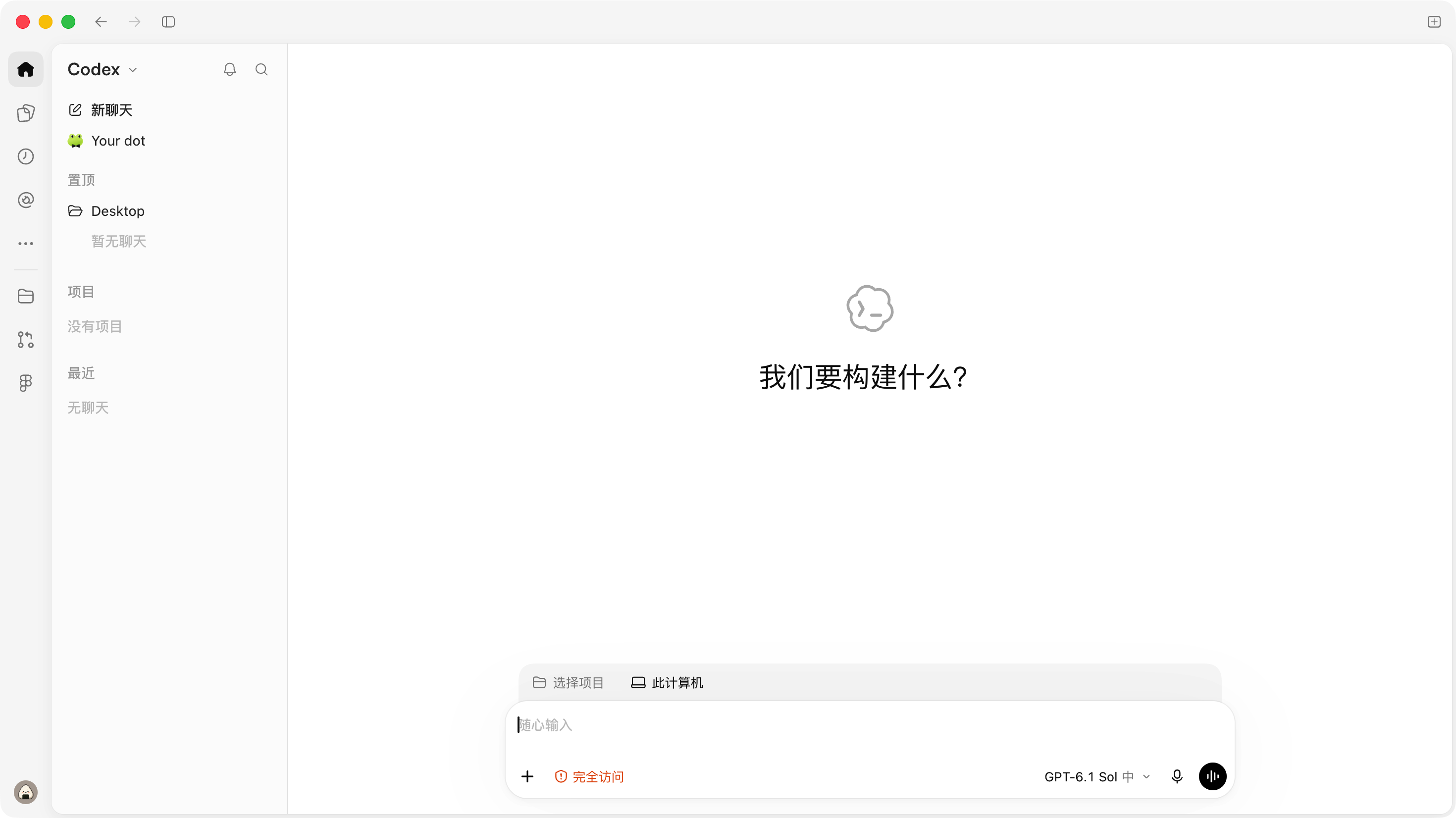
Codex is currently provided as an app or service through official channels. You can download it directly from the official website,click to jump. After downloading, you just need to log in with your OpenAI account to start using Codex.
What's Next
If you've completed the installation, then you're now in a state where you can start using Codex. However, you may need to "spend a little money" first to buy some Token usage to solve the problem of not having enough AI usage.
47 likes
You can like once today