By now we can already develop a relatively complete project, with conventions, version control, and a remote repository. But suppose you want to try different approaches: for example, whether a button click should open a drawer or a dialog—you're not sure. Trying them one by one is inconvenient for comparison. What should you do?
That's when branches and worktrees come in.
Git Branches
Imagine a tree growing upward with many branching limbs. If the trunk is our current main branch, these limbs are other branches. Each limb grows separately but ultimately connects to the trunk—just as developers write code on different branches and finally merge into the main branch.
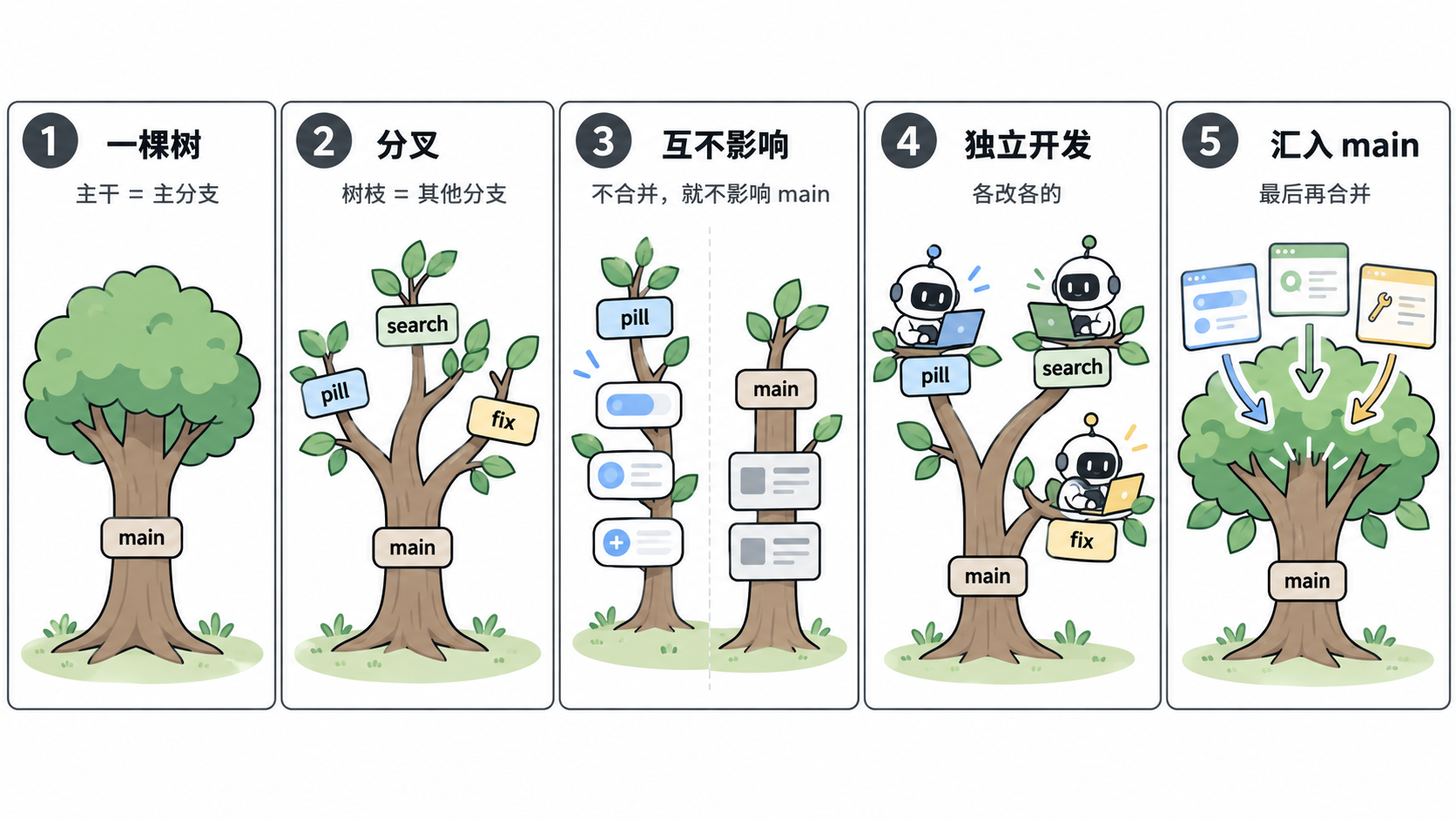
The code on these branches is independent and won't affect each other. For example, if you create a branch called pill and change all the rounded corners in the interface to fully rounded, no matter how you modify it, it won't affect the main branch unless you merge the code.
This is Git branching: it allows different developers to develop code independently and finally just merge the code together.
Creating a Git Branch
You can use Git commands to create a branch. Of course, in Codex, you can also ask AI to help you create a Git branch.
git branch 分支名If you need to create and directly switch to a new branch, use this command.
git switch -c 分支名Merging Branches
If we've finished changing code on the new branch and want to merge it into the main branch, we can also use Git commands to do so.
git checkout 要合并的分支,例如我们要合并到 main
git merge 要合并的分支,我们这里是 codex/purple
Of course, you can still use AI to help you complete this operation directly, for example by writing a prompt like this.
帮我把这个分支合并到 mainFor beginners, I recommend letting Codex help merge branches. In slightly more complex projects, code conflicts may occur during merging; engineers can resolve them by reviewing the code, but beginners may not have that ability. When letting AI merge, you can ask it to check these issues as well.
Worktrees
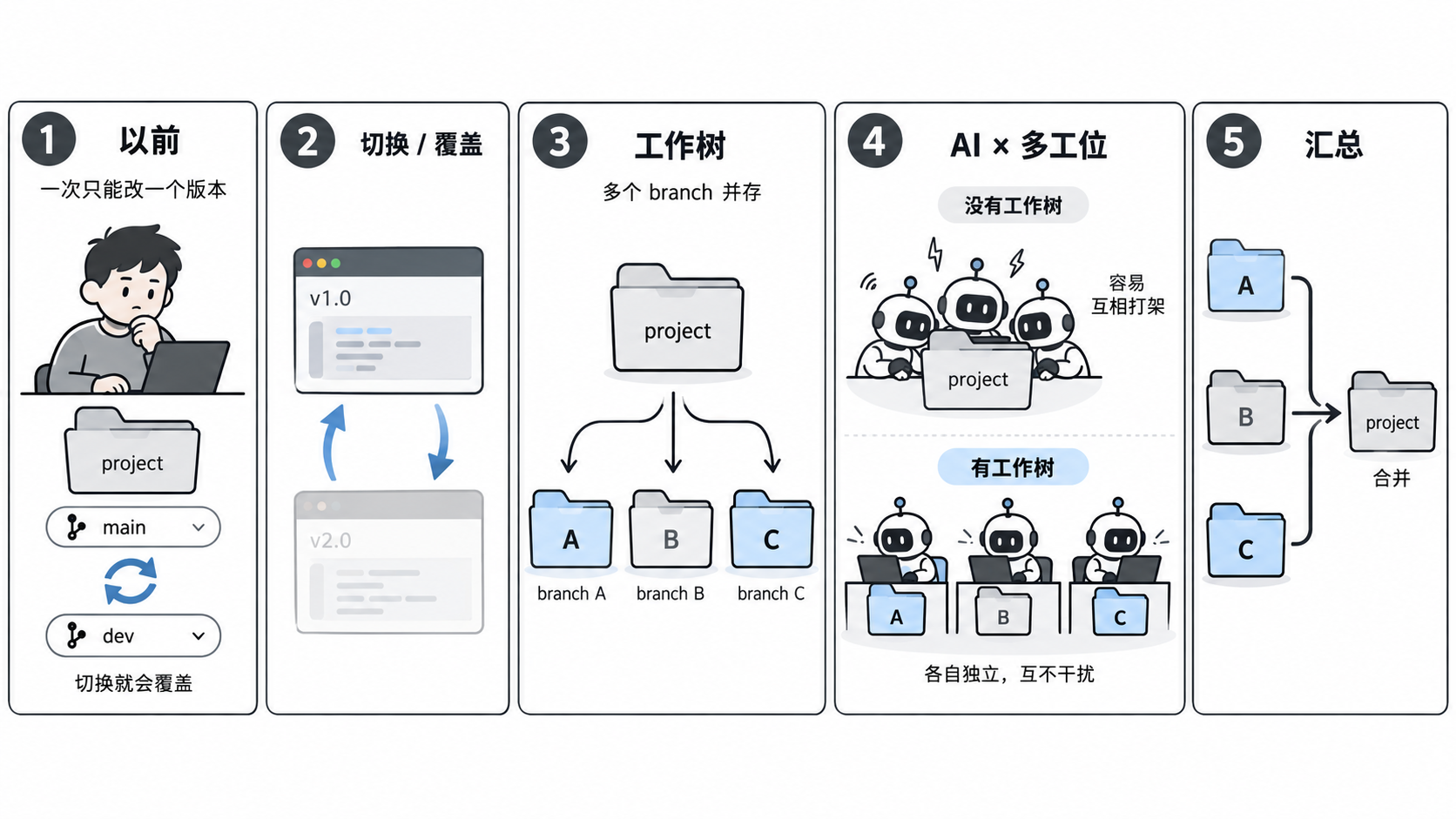
Worktrees are a feature Codex provides based on Git worktrees. Their core characteristic is allowing the code to have multiple branch versions locally at the same time, rather than only being able to open one version. This sounds a bit obscure, so let's use an example.
Previously, when modifying the same software on your computer, you could only open one version at a time; to modify another, you had to switch and overwrite. With "worktrees," you can open multiple different versions of the software on your computer at the same time, modify both simultaneously, and they are completely independent of each other.
If you're interested in development in the AI era,you've surely noticed many people talking about this feature. So why did it become popular in the AI era? The main reason is that before the AI era, one person did the work, and making changes slowly didn't easily cause chaos; now, a group of AIs work for you simultaneously. If you let them type together in the same folder, repeated modifications could easily break each other's code. Worktrees give each AI an independent "dedicated workstation"; everyone finishes their own work and then it's consolidated, enabling multiple AIs to start work together quickly and reliably.
Back to the main topic: in Codex, you can fork a conversation or create a worktree in the following ways. Before that, let's explain the difference between these two operations in Codex:
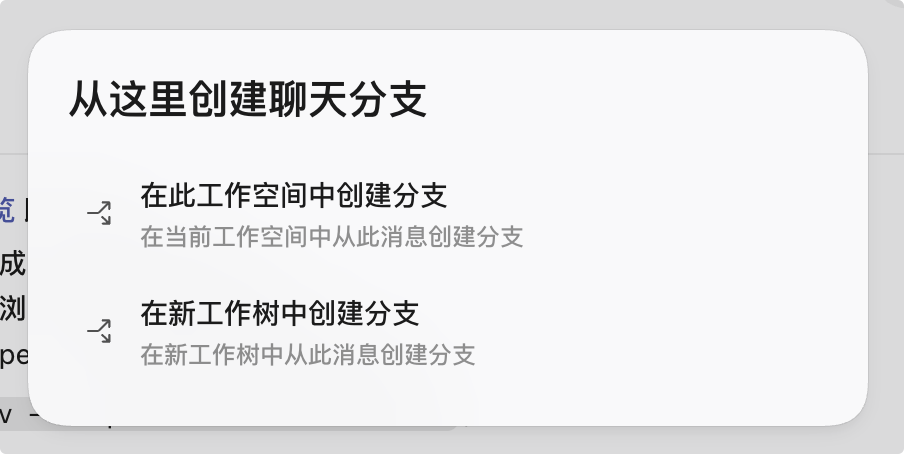
The first method essentially lets a new agent inherit the context of this forked conversation, without starting from scratch. But it is still created in the current project, so it is not the worktree we mentioned above. This feature is more for handing off tasks and avoiding overly long or redundant context;
The second is the worktree we introduced earlier; it willcopy a project into a hidden folder named
.codexin the local user directory, where changes can be made to isolate the workspaces of the two projects.
在终端输入 pwd 命令即可看到对应的文件路径
Local Conversation Fork
In a project with an existing conversation, you can click the icon shown in the figure below to fork a local conversation branch.
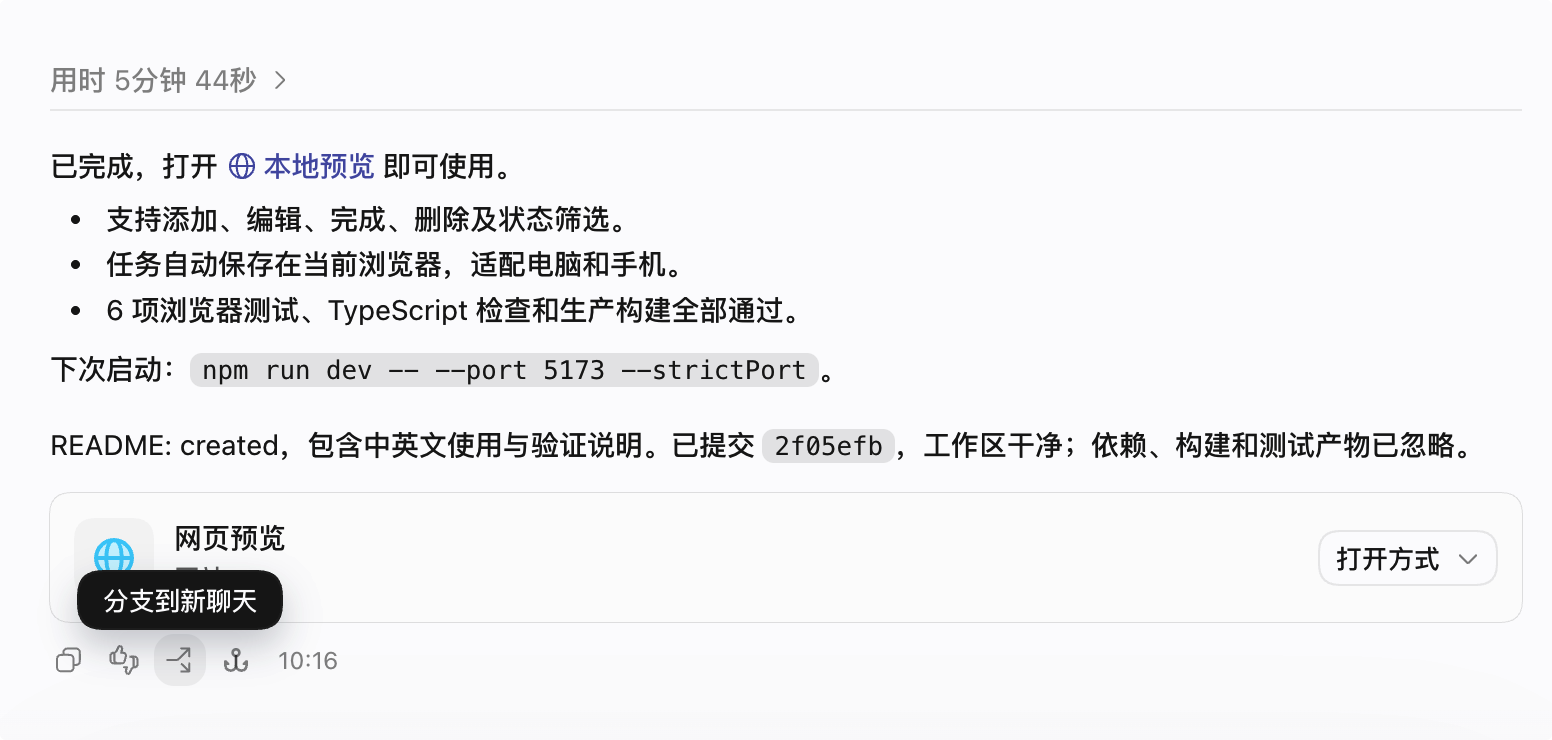
After clicking, a dialog box will open asking how you want to fork the conversation. As shown below, the options are to create in the current workspace and to create in a new worktree; the first is a local conversation fork.
Worktree
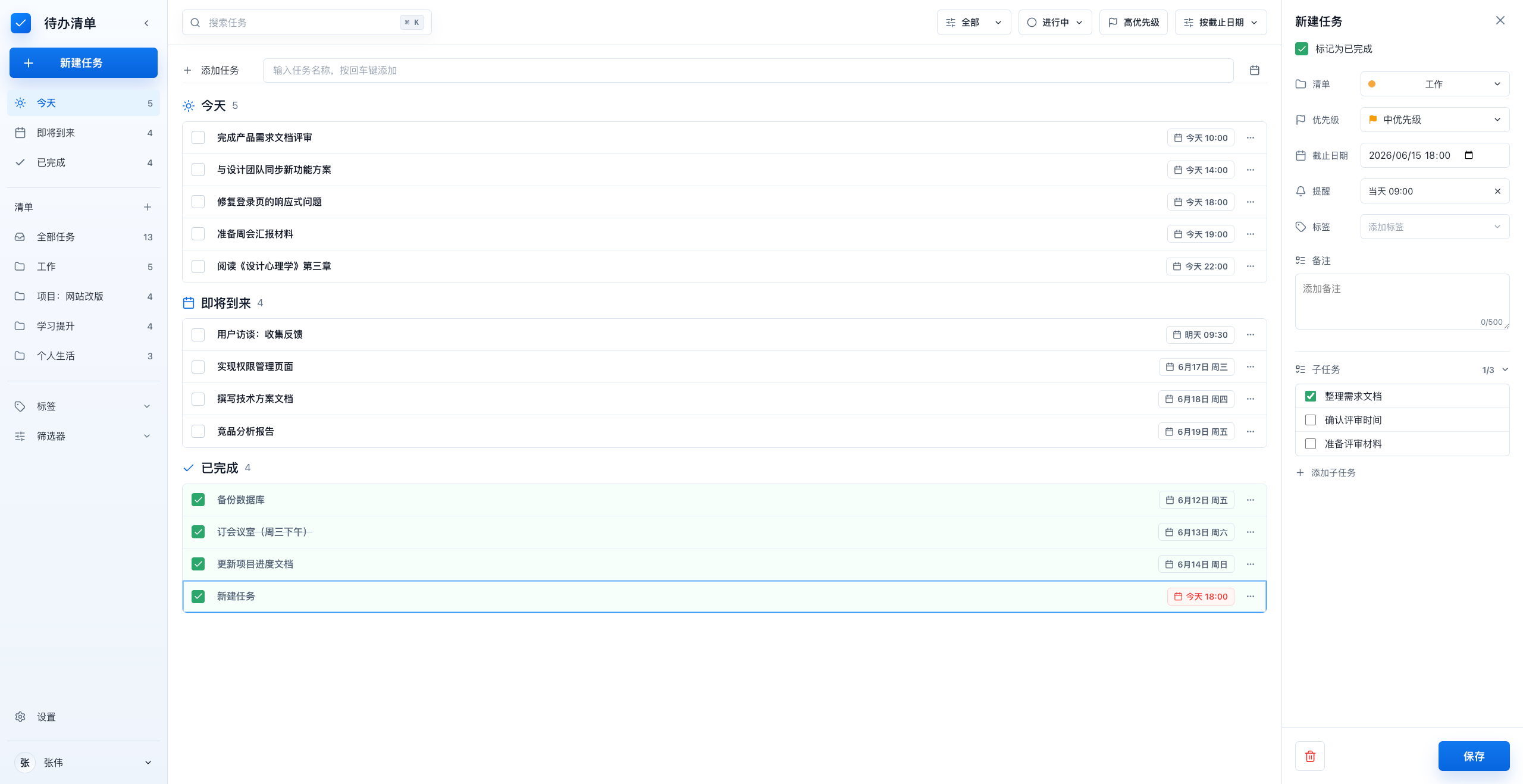
This is the worktree we mentioned above. For example, the Todo tool interface we made earlier is shown below. If you want to try a purple interface without affecting the existing code, you can use a worktree.
Ways to Fork a Worktree
New Conversation
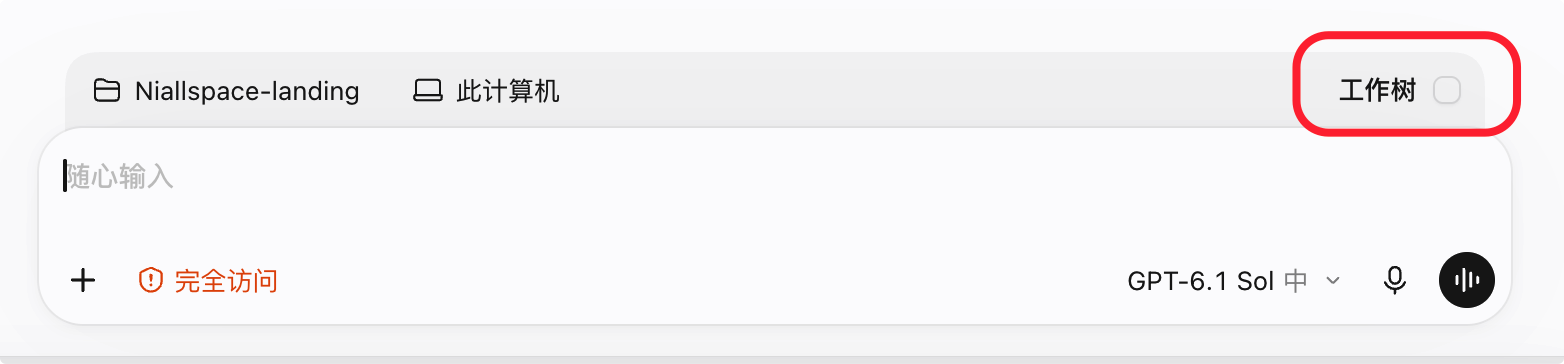
For a brand-new conversation, follow the method shown below and check the worktree option here.
Existing Conversation
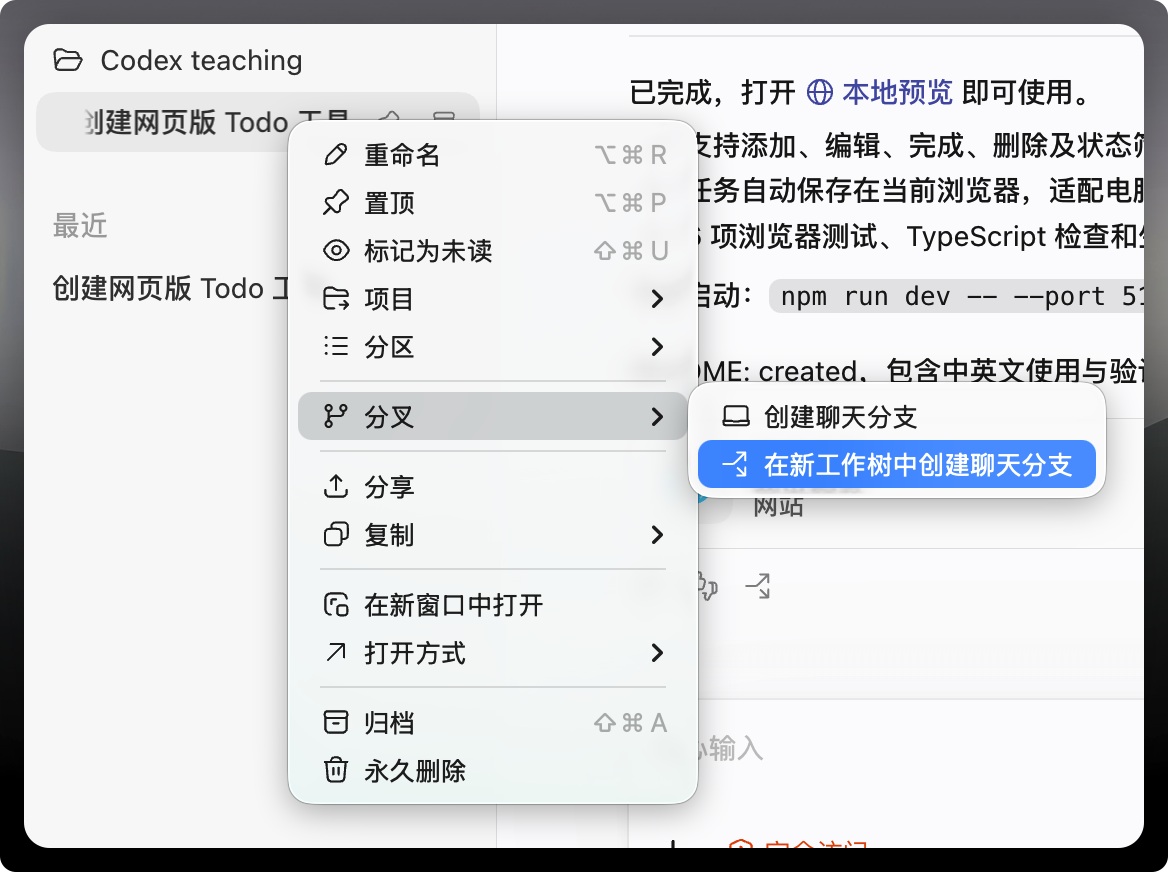
For an existing conversation, forking will retain all the context of the current conversation, which is helpful for making changes and comparisons. As shown below, we can choose to fork to a new worktree.
You can also choose the option below in the local conversation fork entry introduced earlier to create a worktree.
Using Worktrees
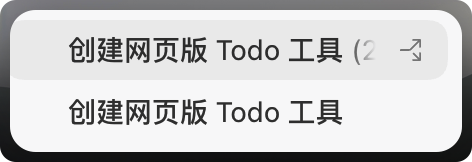
As shown above, a worktree thread has a branching icon, indicating that this thread corresponds to a worktree. For example, we can change the theme color to purple in this worktree thread, as shown below. But you'll notice that the original thread hasn't changed and is still blue.
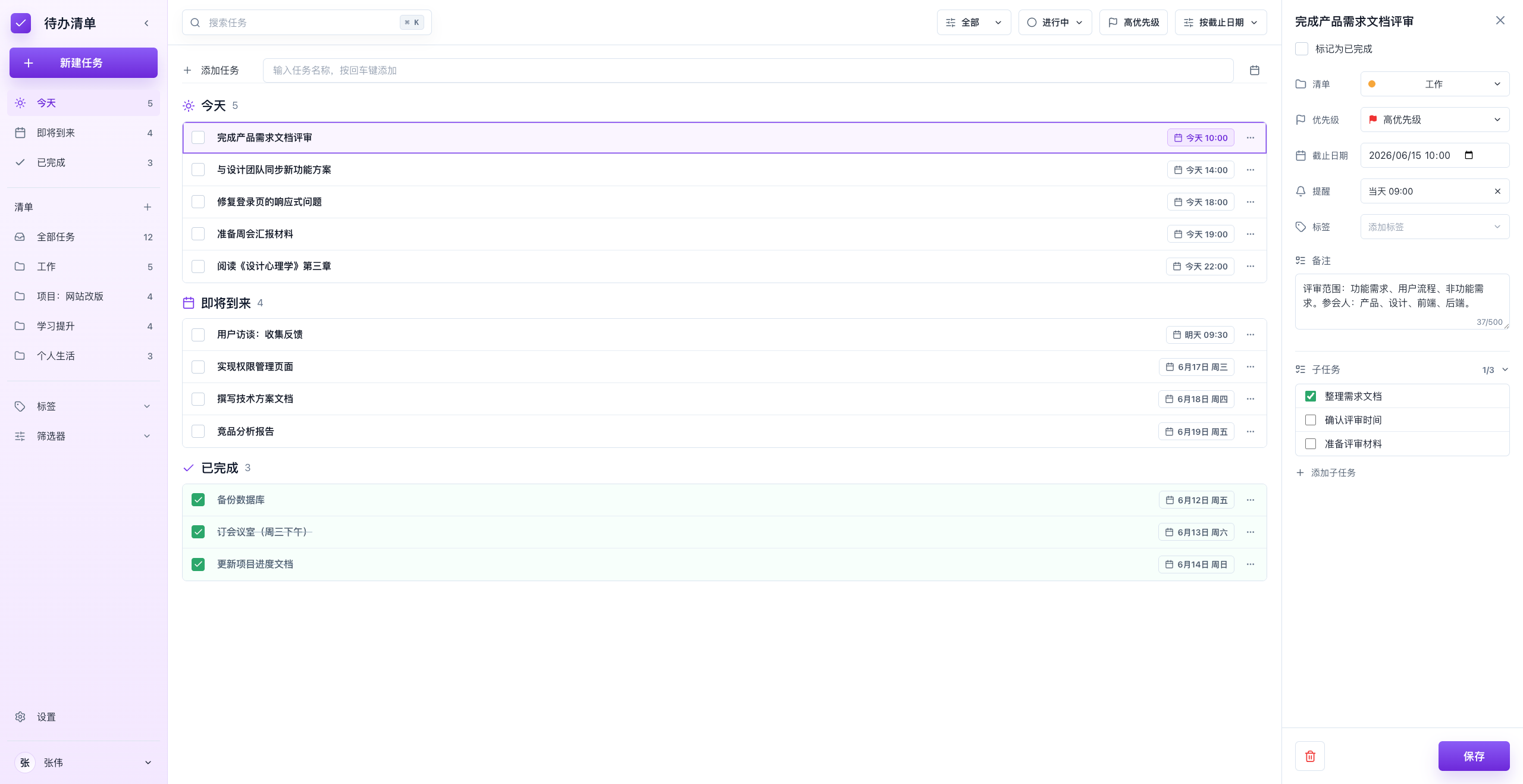
This is what we said earlier: different versions can exist simultaneously without affecting each other. This way, we can quickly validate some whimsical ideas without affecting the tasks in the main thread.
Merging Threads
So, if we're very satisfied with these changes and want to apply them, what should we do? Merge the thread!
If we're now very satisfied with this purple brand color, then we need to merge.As we can see, what is displayed here is not Local but Worktree, and then click "Hand Off to Branch."
In previous versions, merging also had a graphical interface, but now it's gone, so we can only ask Codex to help us merge.
帮我把这个工作树的改动合并到主分支上I don't recommend merging directly into the main branch; it's better to first merge the changes into a Git branch, and then merge into the main branch.
Next Steps
Now there are more and more threads in the workspace, which looks a bit cluttered. Especially those worktree threads that are no longer needed—how should we handle them?
71 likes
You can like once today