In the previous article, we mentioned that every time a conversation is archived, the running project stops. The Todo website we used for testing also stops its service, and every time we have to type commands ourselves or ask the AI to help us restart it, which is really inconvenient. Is there any way to solve this?
Yes—the script operation feature.
Entry point for the script operation feature
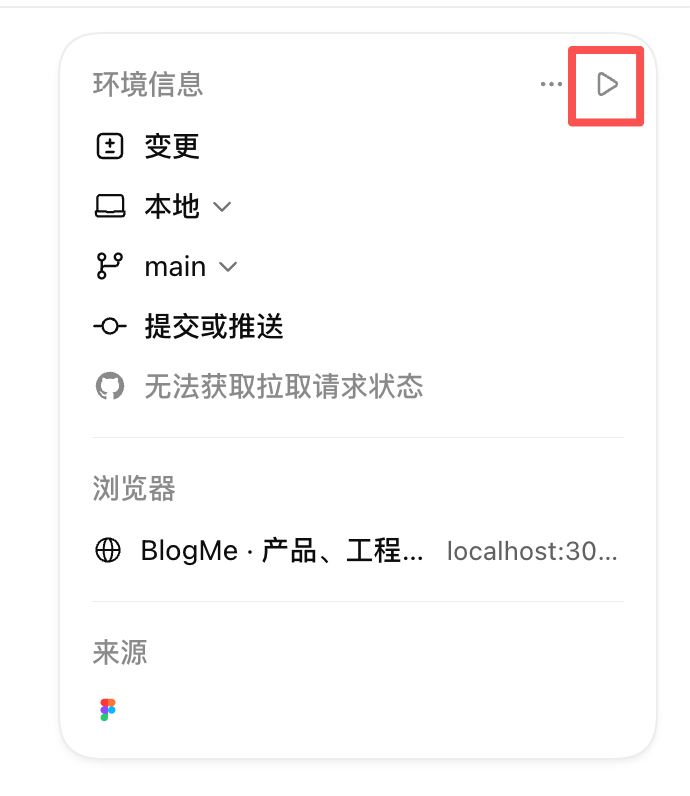
The entry point for operations is located on the right panel, as shown below. Click it to run a pre-configured script.
If you haven't configured an environment yet, you may see a small gear icon instead of the other icons, as shown below. After clicking it, the system will ask you to select a project runtime environment; the default option is empty.
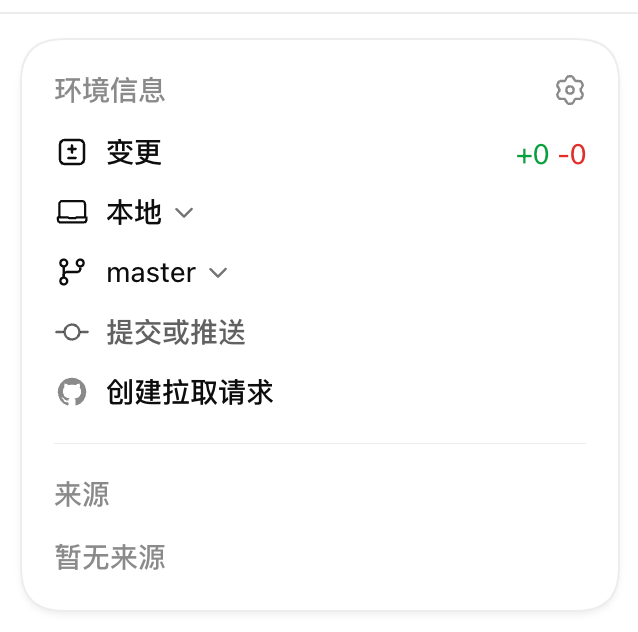
In earlier versions, when Codex created a project, it would automatically create a local runtime environment, but a later update removed this feature. As of the writing of this article, we need to create the project environment ourselves.
Create a project environment and configure the script
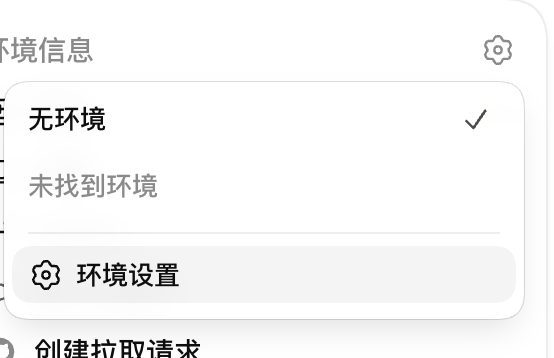
To configure the environment, simply click the small gear icon and then click "New Environment," as shown below.
Then, in this project's environment settings, click the plus sign to create a new local project environment, as shown below.
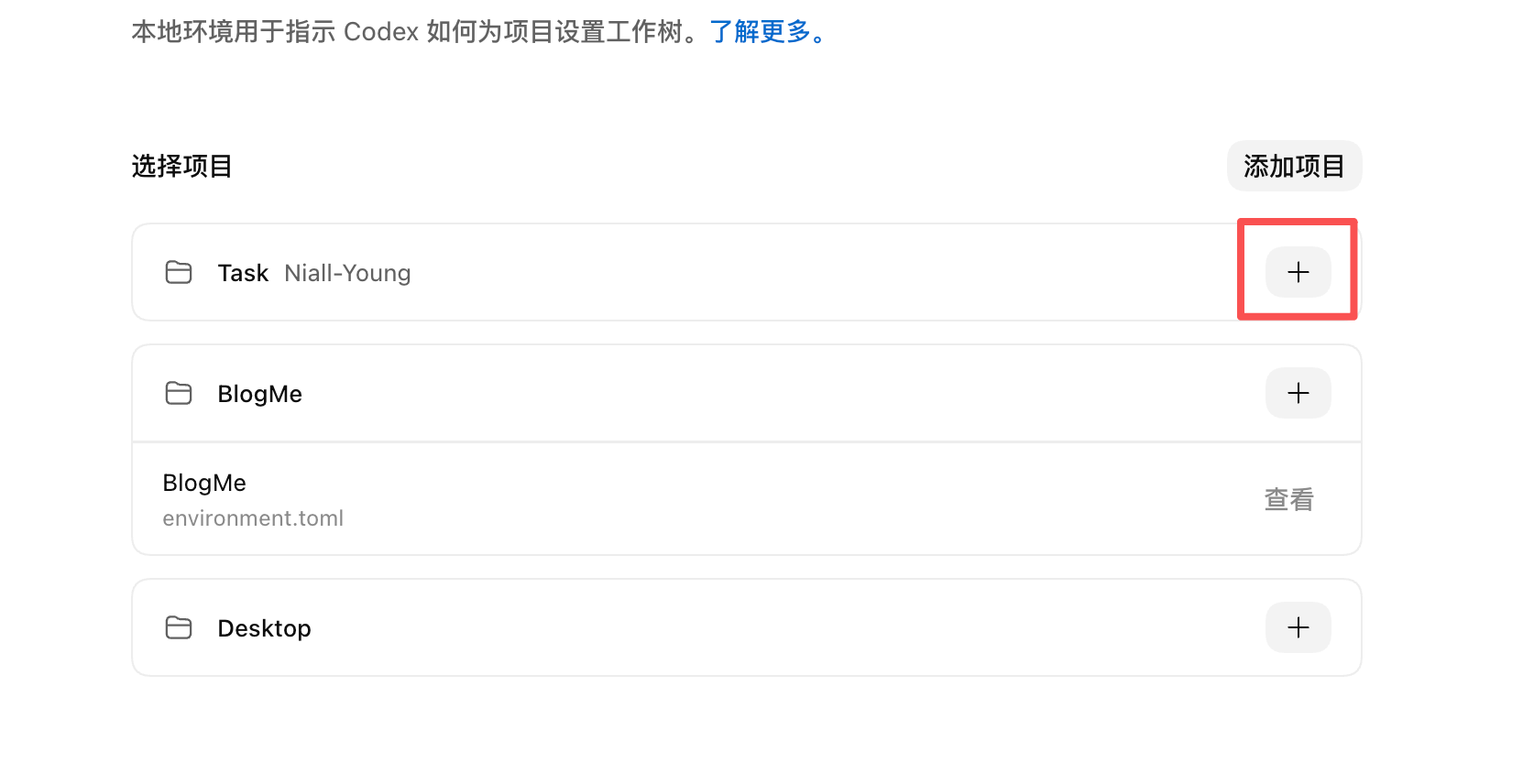
Then find the Add Operation button shown below and click Add. You can add many operations; as a demonstration here, we'll use the run operation as an example and set npm run dev as the script to run.

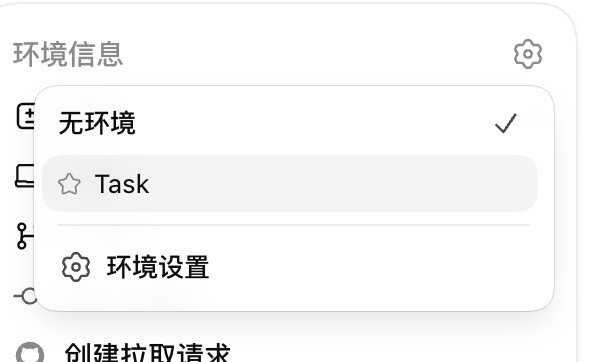
After creation is complete, return to the conversation page and you can select this local environment, as shown. Once you select it, each time you click the operation button, this script will run, so you don't need to open a terminal and type commands manually.
Next Steps
Now we can already develop projects efficiently and completely within Codex, and use Git to manage projects. But as conversations go deeper and projects become more complex, having a single Agent handle everything can easily lead to excessively long context and slower speeds. What is the solution?
35 likes
You can like once today