We now have everything, and Codex's capabilities have been greatly expanded. Unfortunately, however, it still lacks some automation methods.
Automated tasks are meant to help us do these things.
How to Create Automation
To create automation, we just need to explain it to the AI, for example:
Prompt
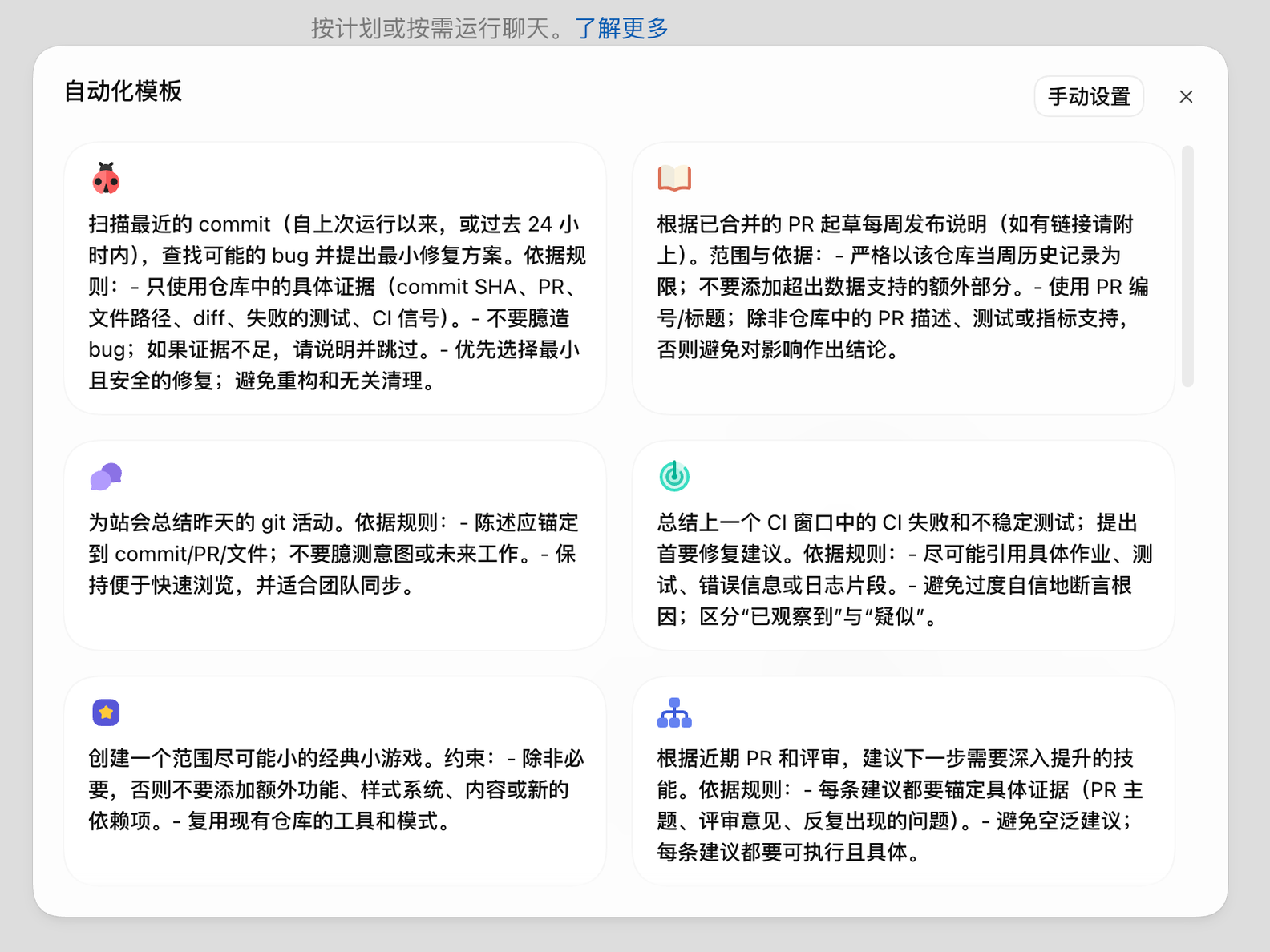
设置一个自动化,在每个工作日早上给我一份晨间简报:包括我的日历安排、重要未读邮件,以及今天任何需要我注意的事项。You can also go to the automation page and choose the official Codex template to use directly, as shown below.
Automation Management
You may not always need an automation; perhaps you only need it for a period of time, so you need to manage this automation.
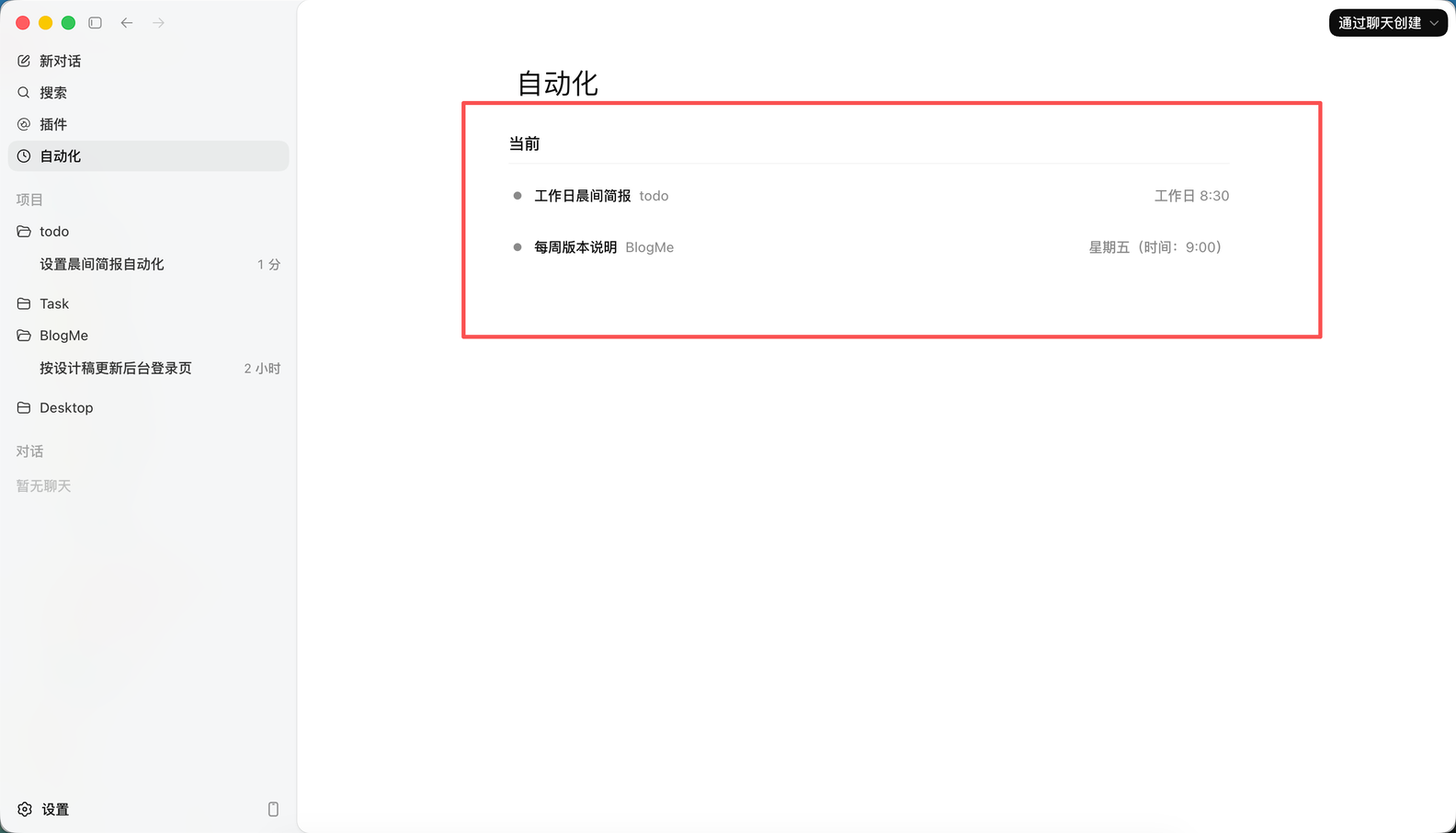
As shown above, our automated tasks will be displayed here. It is actually a prompt paired with necessary fields, including:
Project: tells the AI in which project to execute the task;
Time: tells the AI when to execute automatically;
Run location: you can choose worktree or local, with worktree as the default;
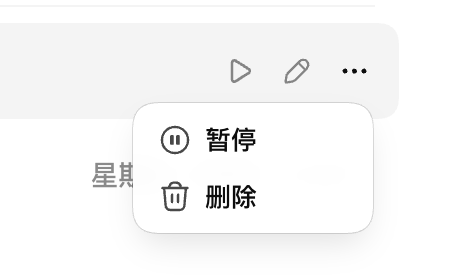
You can run it immediately to continue testing, or click to delete this automated task, as shown below.
Next Steps
Now, some mechanical operations we don't want to do can be automated directly, but it's still not automated enough. We also hope that as long as we tell the AI a task, it will automatically set goals until completion, further freeing ourselves up. Is there a way to achieve this?
96 likes
You can like once today