Current things like Skills, MCP, and prompts are all scattered, with no way to become a whole to specifically solve one type of task, so Plugins were born.
What is a Plugin?
If you have development experience, or know the relevant English vocabulary, you will know that Plugin means plugin, and the same goes for Agent Plugin.
A Plugin integrates prompts, Skills, MCP, and tools together, and explains their purposes and usage, for executing a certain type or category of specific task. It can also include traditional plugin interfaces such as login authorization; the above content is the characteristic that Agent Plugins have beyond traditional plugins.
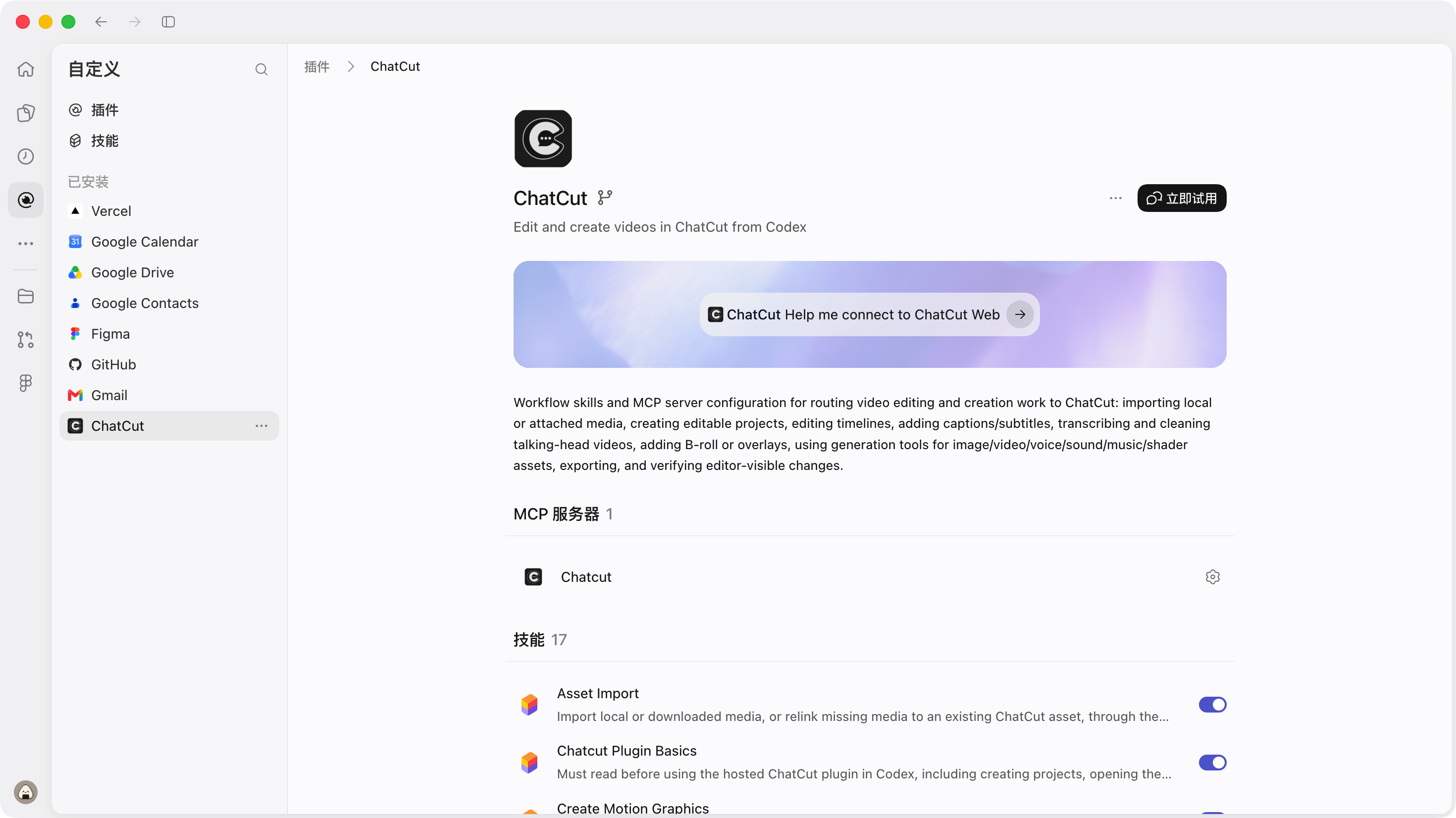
Installing a Plugin
Installing a Plugin is almost no different from a Skill, so we won't introduce it in too much detail here. We'llquickly go through it simply。
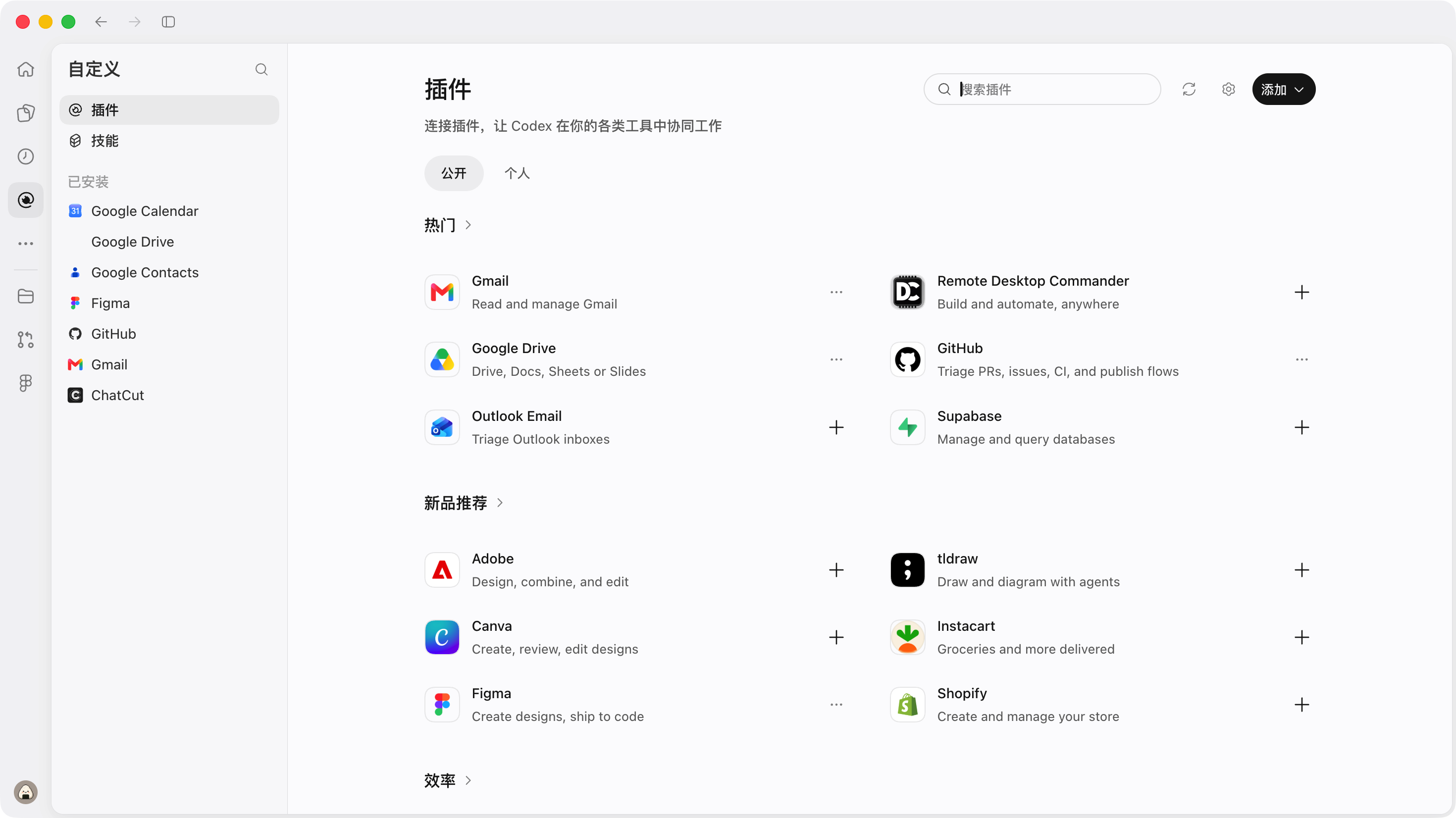
If you want to use the official Plugin, just go there directly, as shown in the image below.
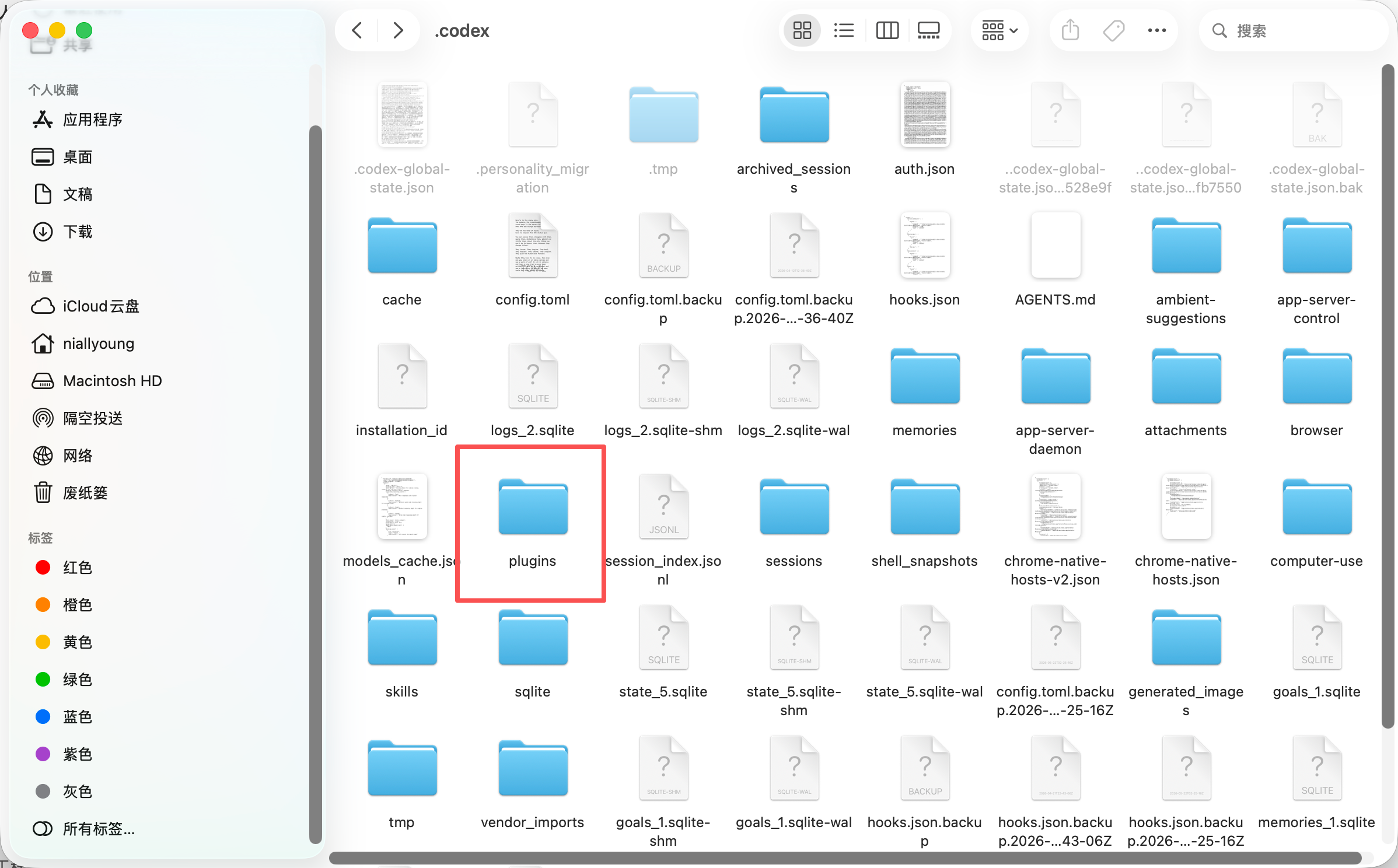
You can also download the Plugin from GitHub and let the AI help you install it, or drag the files into the plugin folder yourself, as shown in the image below.
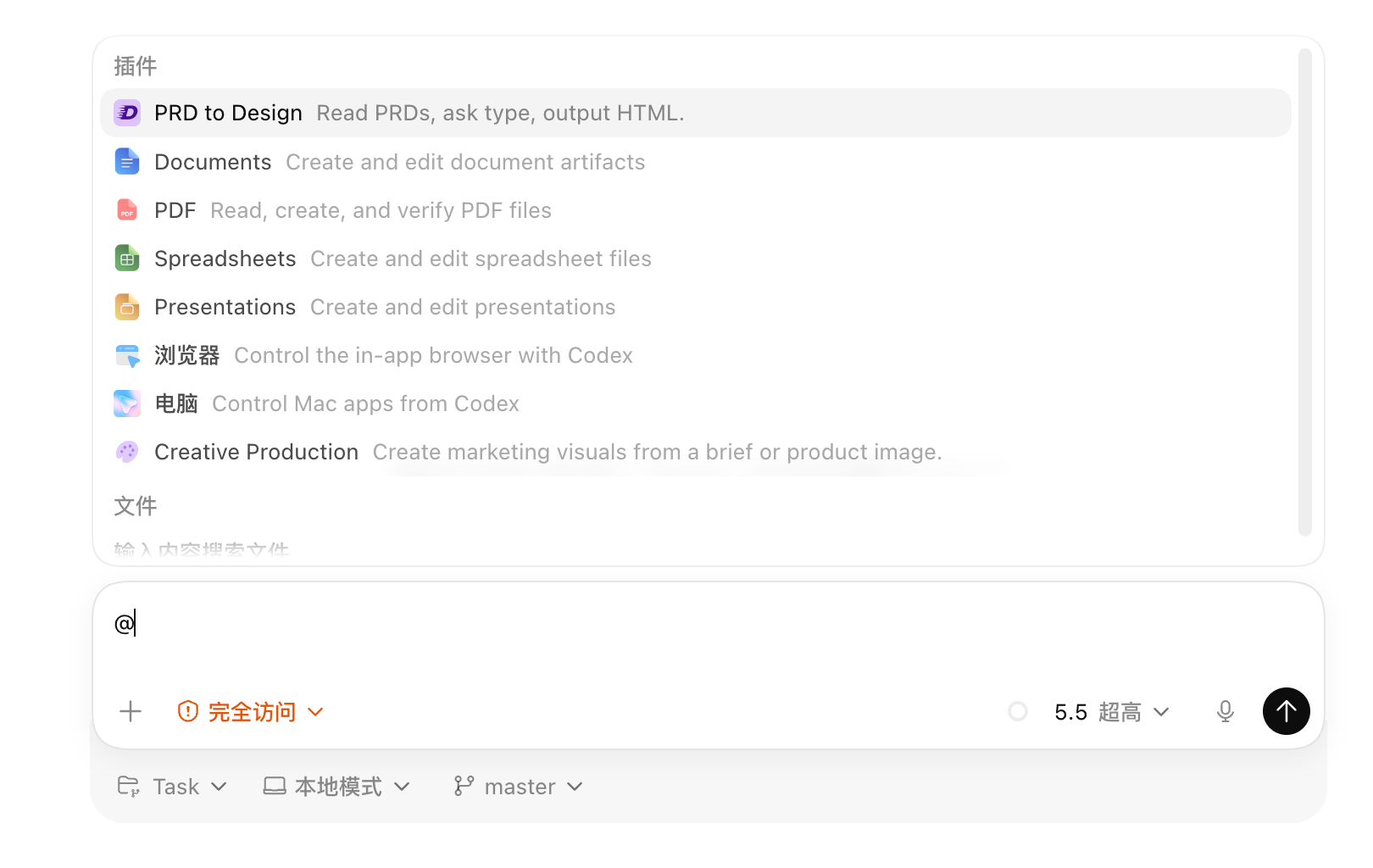
If you want to check installed Plugins or select a certain Plugin, enter @ in the input box, as shown in the image below.
Create a Plugin
This is basically the same as creating a Skill, and there is also a dedicated Skill called create_plugin, which you can use to make Plugins. You can also develop Plugins through a project just like developing Skills, and then install them into Codex on your local machine.
Recommended Must-Install Plugins
This is the most core part of this article. The concept of Plugin is very similar to Skill, just with a higher degree of integration; next, here are several highly useful Plugins:
Chrome: allows Codex to operate the Chrome browser, for example opening new tabs;
Browser: allows Codex to operate projects started locally, for example projects running on localhost;
Computer Use: allows Codex to simulate real clicks and directly operate GUI pages;
Figma: Load all Figma content directly into this Plugin—the results are excellent;
Product Design: A plugin that assists with early-stage solution exploration. It first generates UI visual bitmaps, then restores them with code. Works best when paired with Plan Mode.
Next steps
Now we can consolidate our own assets into Skills and Plugins, manage projects with Git and GitHub, and connect other tools via MCP. This already seems close to perfect.
65 likes
You can like once today